Need help?
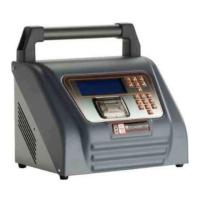
Do you have a question about the TECNOMOTOR RASTHER III and is the answer not in the manual?
Instructions for installing the Rasther PC software on a computer.
Steps to update software and enable carmakers using the Rasther device.
 General
| Display | 7-inch Touchscreen |
|---|---|
| Operating System | Android |
| Connectivity | Wi-Fi, Bluetooth |
| Protocols | CAN |
| Special Functions | ECU coding, key programming, DPF regeneration |
| Languages | Multilingual support |
| Software Updates | Regular updates via Wi-Fi |


 To Next Page