charged.
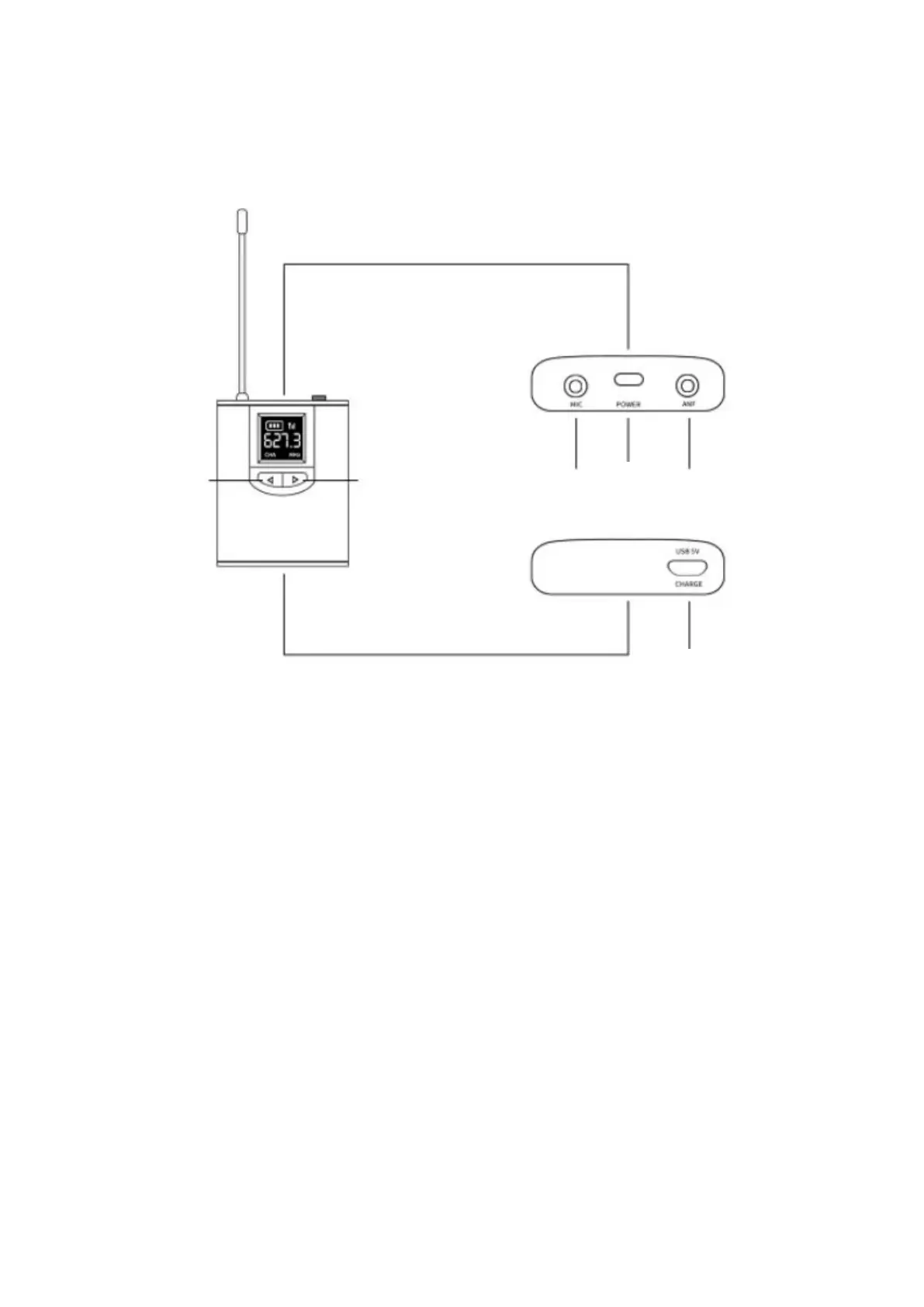
1. Power button: Short press the Power button to turn on/off the Bodypack
Transmitter;
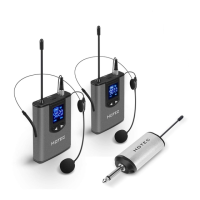
2. Choose the right microphone (included are wireless headset mic / lavalier mic /
short mic) and screw it into the mic input in the Bodypack Transmitter.
3. Left button / right button: Press the left button for volume down and right button
for volume up; Hold and press both left and right button to select the right
frequency;
4. Charging: There is battery remaining power indicator in the LED screen. Charge
the Bodypack Transmitter with micro USB cable when the battery is low. The
charging indicator below the USB port is Red during charging, it turns into Green
when it is fully charged. Unplug the charger after the battery is fully charged.


 To Next Page