9
MULTI-FUNCTION
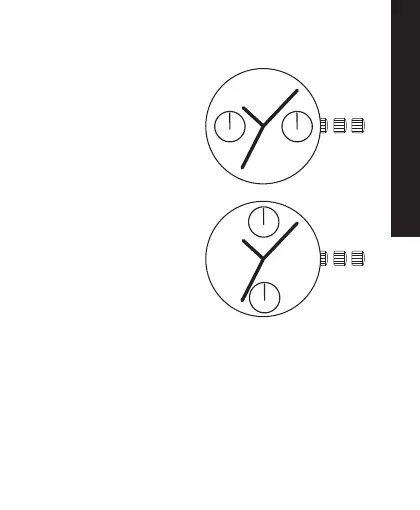
TWO-EYE MULTI-FUNCTION MODELS
1. Second Hand
2. Day Hand
3. Date Hand
1. Second Hand
2. Date Hand
3. 24 Hour Hand
TO SET THE DAY (OF THE WEEK):
1. Pull the crown out to the second click position C.
2. Turn the crown clockwise to set the day.
3. Push the crown back to position A.
NOTE: The Day Hand will move together with the Hour
Hand and Minute Hand. Keep turning the crown
until the desired day has been reached.


 To Next Page