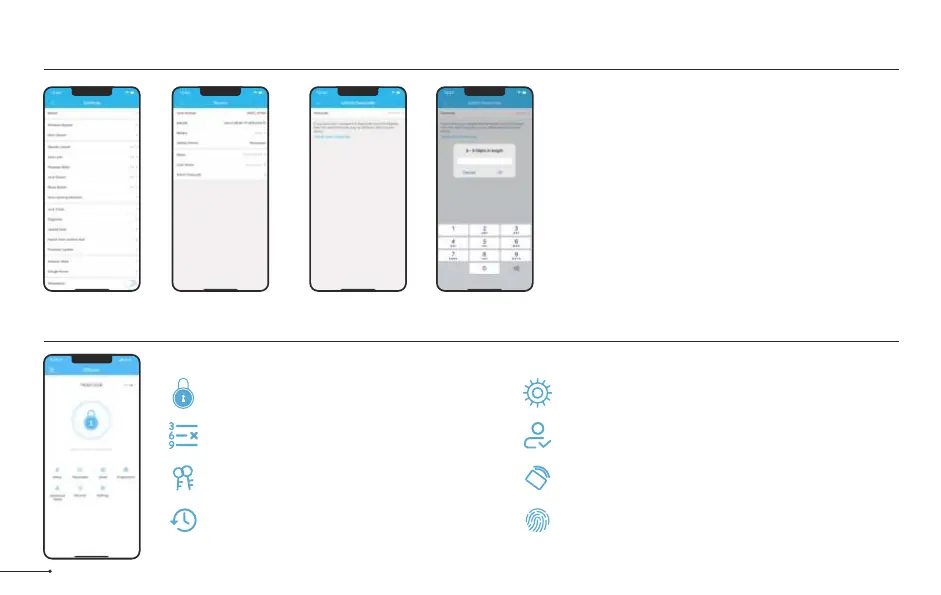
After pairing the lock with DDLock, the admin
passcode will be changed to a random 7 digit
number, you can check the new admin passcode
by following the picture guide below. And you can
change it to your own administrator password.
15
Some of these icons may not appear if the Gateway is not connected to the lock.
Notes:
Admin Passcode Management
Cards
Set up your cards here
RF
Fingerprints Page
Set up fingerprints
Settings Page
View and modify settings
Authorized Admin Page
Create and edit admins
Unlock/Lock
Unlock/Lock using phone’s bluetooth
Records Page
View entry times, attempts and methods
eKey Page
View and modify current eKeys
Passcode
Generate 6 different types of passcodes
Lock Page Overview

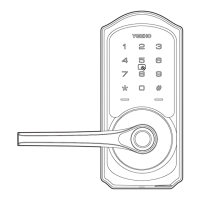

 To Next Page