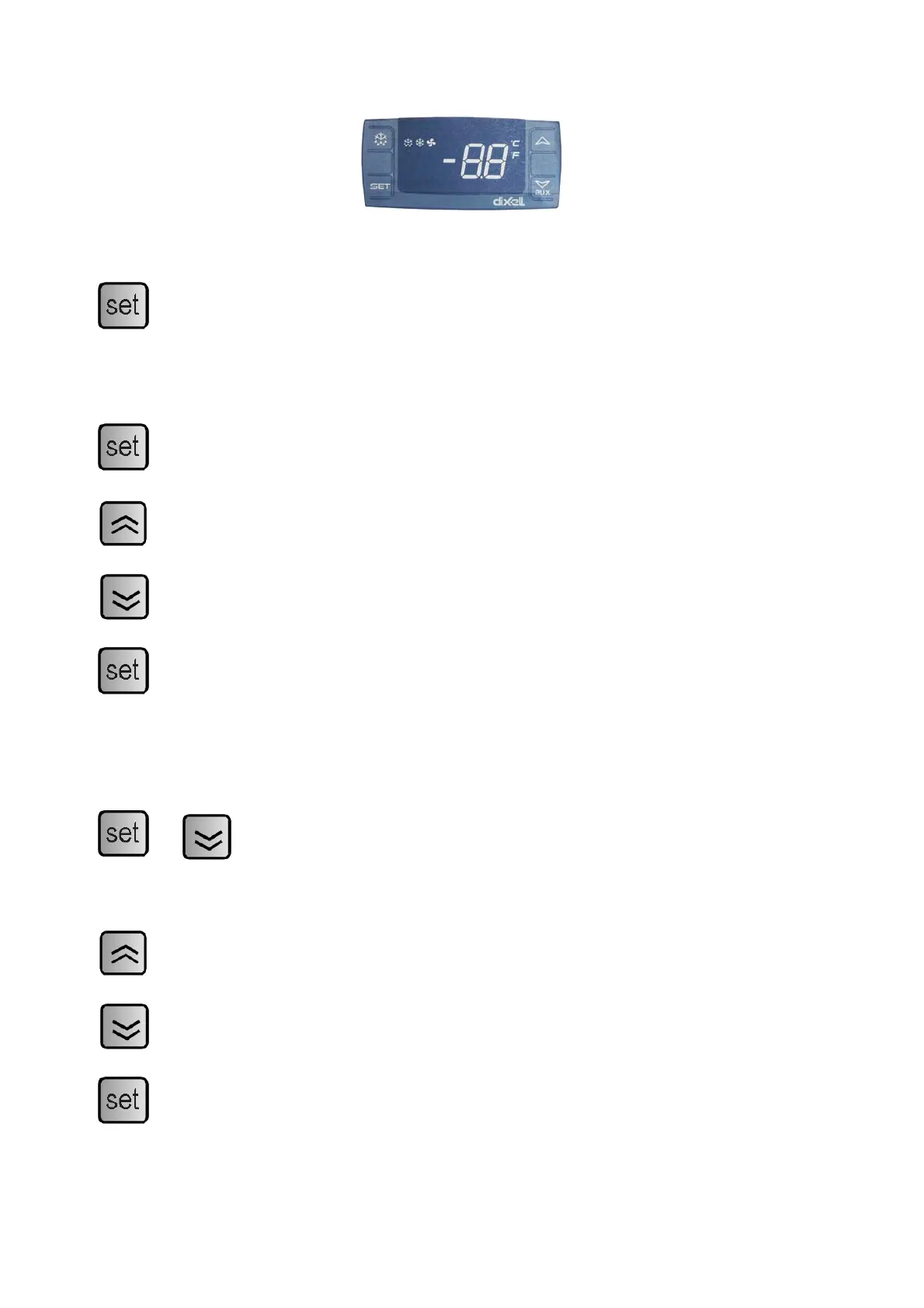
Thermostat
Display set temperature:
Press this key and the display will show the set temperature. Press the key again to return
to normal reading.
Set new temperature:
Press this key for 3 sec. and the display shows the set temperature.
Press this key to increase the set temperature.
Press this key to lower the set temperature.
Press this key to save the new settings. The display will flash with the new value and will
then return to normal reading.
Changing of parameters:
+
Press these keys continuously for 5 seconds to access the list of parameters. The display
will show the number of the parameter and after 2 seconds the value.
Press this key to increase the value.
Press this key to lower the value.
Press this key to save the new settings. The display will flash with the new value and will
then return to normal reading.
8


 To Next Page