2. Next depress the keypad number corresponding to the desired location.
Note that the annunciator for this location turns on, and the memory con-
tents are displayed.
3. Several stored readings can be randomly recalled by a key sequence
such as:
eg.RECALL 3
RECALL 5
RECALL 2
etc.
4. To return the meter to the operate mode, depress OPR after recalling the
last reading. All active location annunciators will turn on again, together
with the OPR annunciator.
NOTE: Recalling data from unused (ie, empty) locations will give
a zero reading.
To Erase Data Locations (Meter Mode):
1. Individual data locations can be erased by recalling the location to be
cleared, followed by a CLEAR key input. Note that the annunciator for the
cleared location is turned off,and the meter returns to OPR.
eg.RECALL 3
CLEAR
NOTES: There is no need to clear a location if new data is ready
for saving in this location. Just STORE the new data. It will write
over and delete the old.
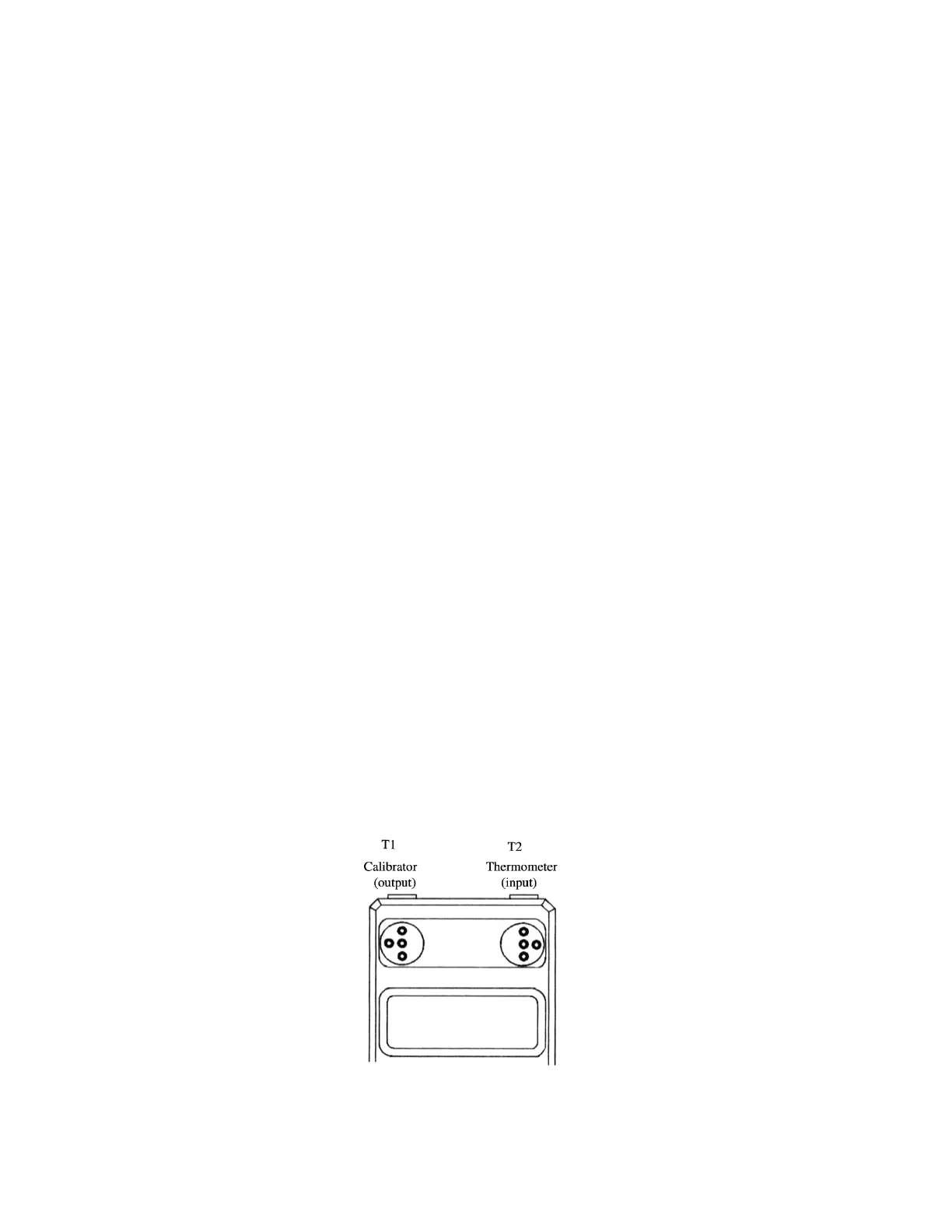
Figure 7.
16


 To Next Page
 Loading...