before using it for the first time.
To get the best performance from your dishwasher, read all operating instructions
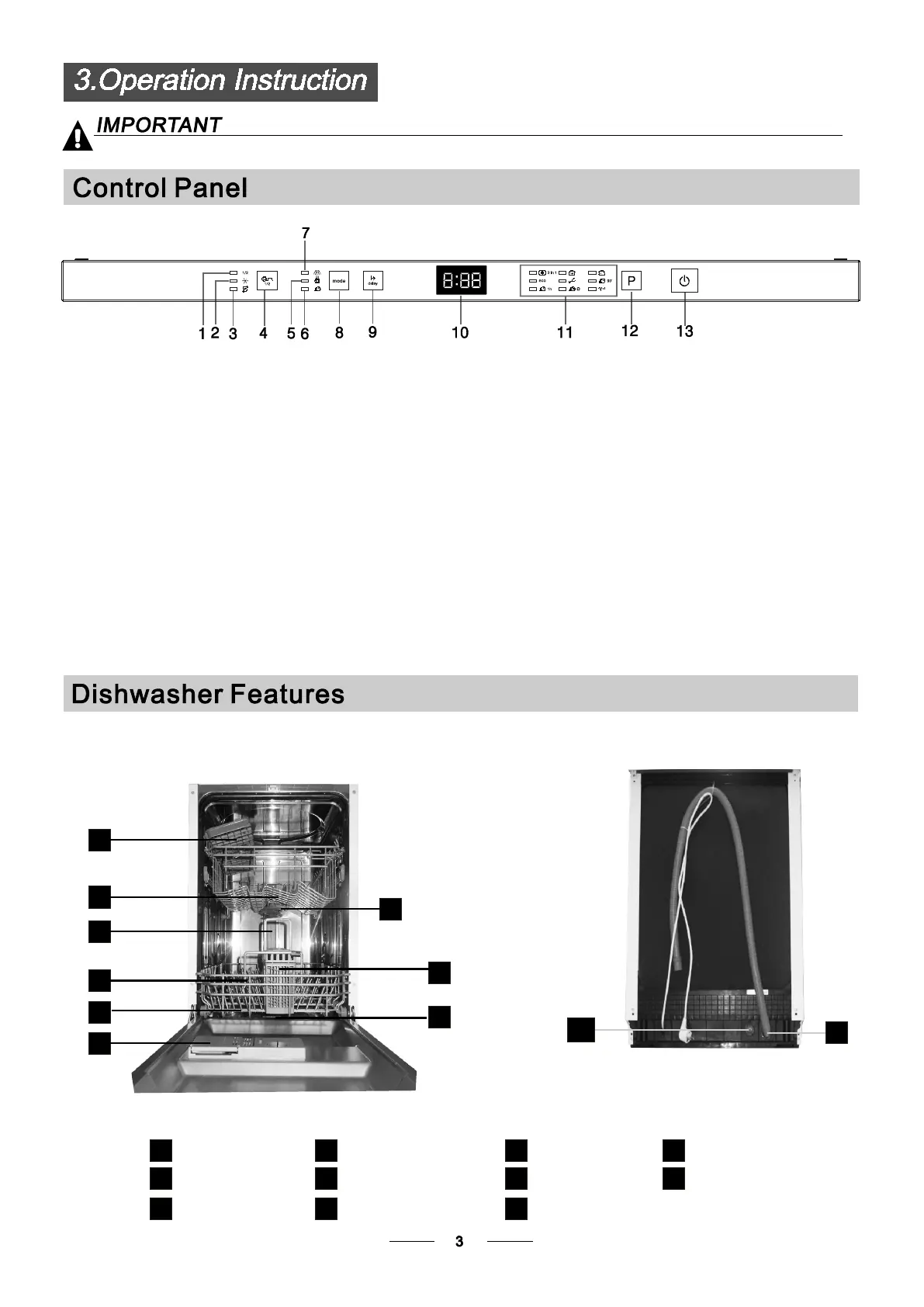
13.On/Off Button: To turn on/off the power supply.
4.Half load functions Button: To select Half load functions.
(With this Half load function you can only use it when you
have only about or less than6 place setting dish wave,
and you will see less water and energy consumption ,
can only be used withIntensive, Normal, ECO,Glass and
90 Min .)
1.Half load indictators: To show Half load functions starting
up or not.
12.Program Button : To Press the button to select
appropriate Program.
2.Rinse aid warning lights: To be on when dispenser need
to be refilled.
3.Salt warning lights: To be on when the salt container
need to be refilled.
5. Extra drying indicators:To show Extra drying functions
starting up or not.
6. Express wash indicators:To show Express wash functions
starting up or not.
8.
Function button(only Intensive, Normal, ECO,
Glass have this function).
9.Delay Button : To Press the button to delay.
10.Display screen: to show the reminding time
(delay time ).
11.Program indicators: to show which program
you have chose.
7. Extra washing indicators:To show Extra washing
functions starting up or not.
1
2
3
4
5
7
6
11
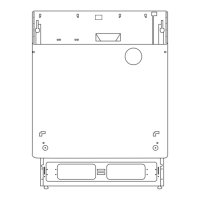
Back View
8
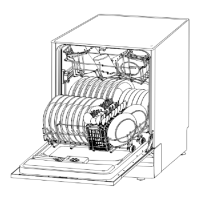
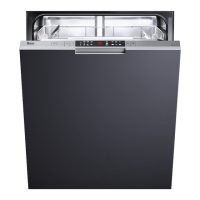
Front view
Lower basket
Salt container
Dispenser
Cup shelf
Spray arms
Filter assembly
Inlet pipe connector
Drain pipeUpper basket
Cutlery rack
1
Inner pipe
5
6
7
8
9
10
11
3
2
4
9
10


 To Next Page