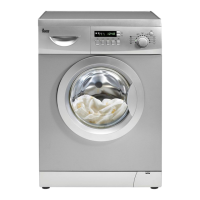
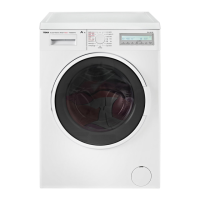
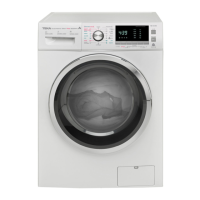
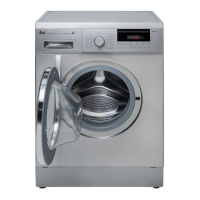
OPERATIONAL FUNCTIONS
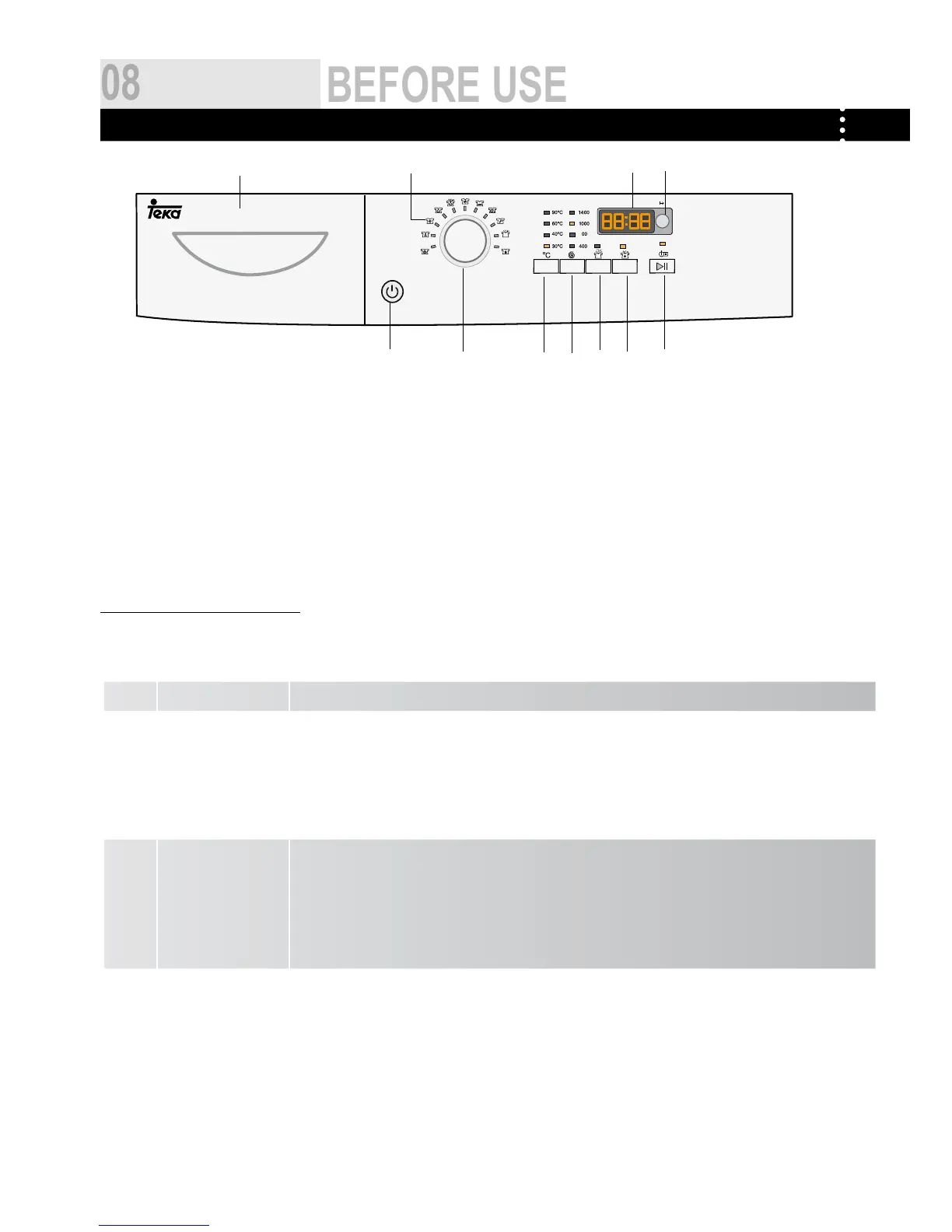
control pAnel
A Program knob
B Power Switch
C Start/Pause button
D Spinning Speed Setting button
E Washing temperature button
F Delay Button
G Detergent distribution drawer
H Display
I ECO
J
Intense button
K Extra rinse button
A ¬ Program knob _By turning the knob clockwise/counterclockwise, the required program can be selected. There are
11 programs available. After a program is selected, the corresponding light will go on.
B ¬ Power Switch _ Press this button to switch on the washing machine. Press it again to switch it off.
C ¬ Start/Pause
Button
_ When the washing machine is connected to the power socket and a program is selected, lightly
touch this button to start operation. During a wash cycle, touch it lightly ,operation will stop and
the digits on the screen start blinking. Touch it again to resume operation. To cancel a wash program
during a wash cycle, touch this button, when the digits on the screen start blinking, press the Power
switch, the program will be cancelled.
D ¬ Spinning Speed
Setting Button
_ Touch this button lightly to select the desired speed. When a speed is set, it will be displayed on the
indicator.Note: If there is no indicator light displayed, it means no spinning.
Note: Different water temperatures and spinning speeds can be set for different
laundries. Wash using the default settings if there is no special requirement.
E ¬ Washing
temperature button
_ Touch this button lightly, the washing temperature will be displayed on the indicator. Select a
temperature according to the type of laundry.Note: If there is no indicator light displayed, it means
cold wash.


 To Next Page