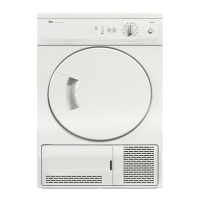
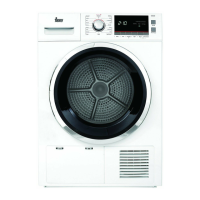
Service Manual
TKS1 710 C – TKS 850 C
Service Manual: MSWM15031 - 2 -
3. Service Test
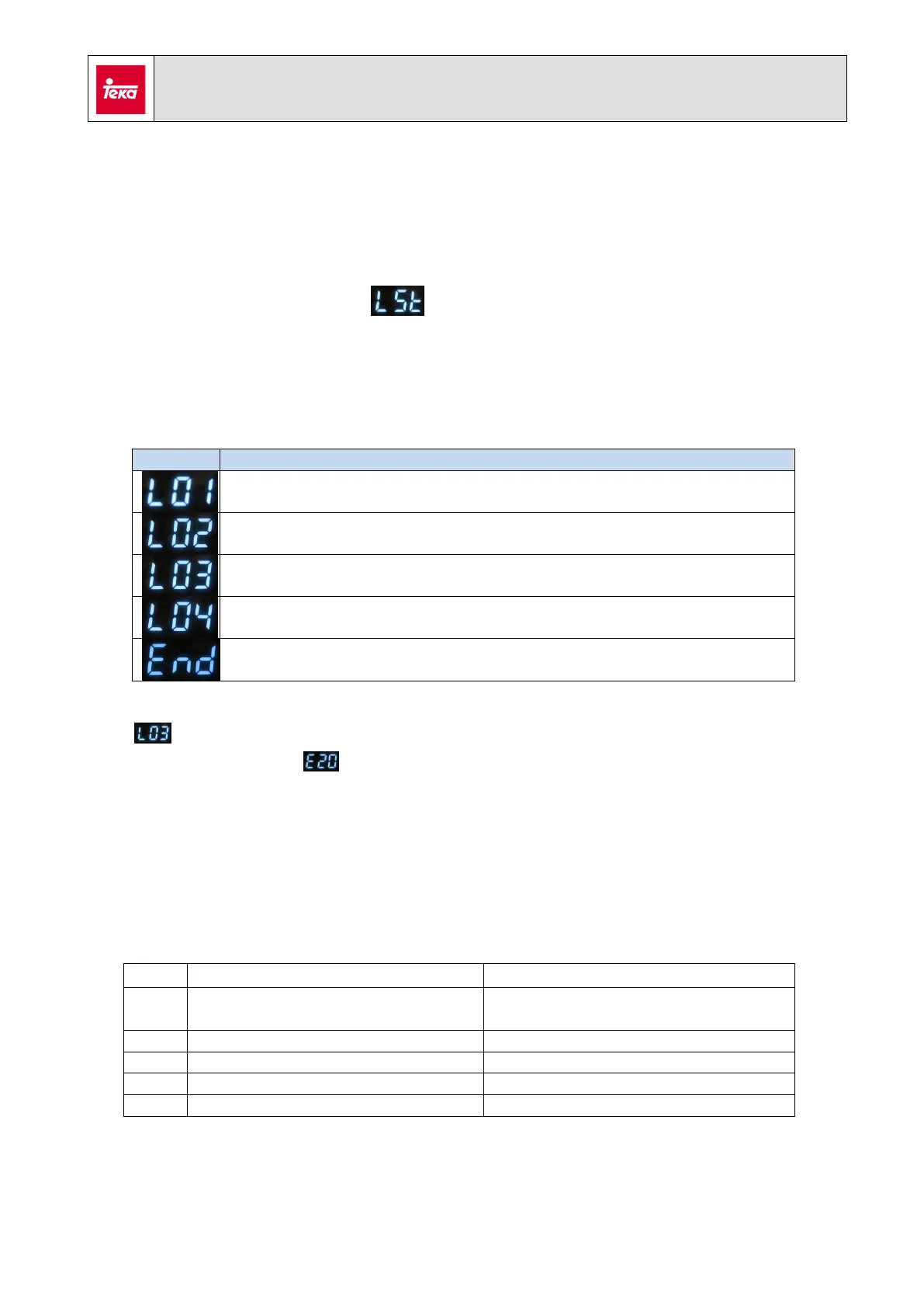
To enter the service test, next steps must be followed:
- Press and keep pressed “delay” [6] and “time” [7] buttons with the dryer switched
off. Switch on the appliance pressing ON/OFF button.
Display will show the message
Press the “gentle” button [3] (in TKS1 710 C) or “volume” (in TKS 850 C) to start the
test.
Below you can find the phases related with the test:
Motor spinning + dryer heater (700 W)
Motor spinning + dryer heater (1800 W) + water level sensor
Motor spinning + drain pump
phase checks the performance for water level sensor. Test will stop if water is
not detected showing on the display. It is necessary to slop 0,6 l (approx.) of
water into the upper drawer simulating an overflow condition. With this, test will be
able to check this point and will follow to the next step.
4. Errors.
Find below the error codes related with these models:
Check the thermal.
Check the dryer heater.
Check the humidity sensor
Check the inner air sensor
Outlet air sensor failure
Check the outlet air sensor
Check the winding for the motor.



 To Next Page