EasyManua.ls Logo

Teknatool Nova Viking Series - User Manual

Teknatool Nova Viking Series
48 pages
Print Icon
To Next Page IconTo Next Page
Loading...
123-0719-018
OPERATION MANUA
L
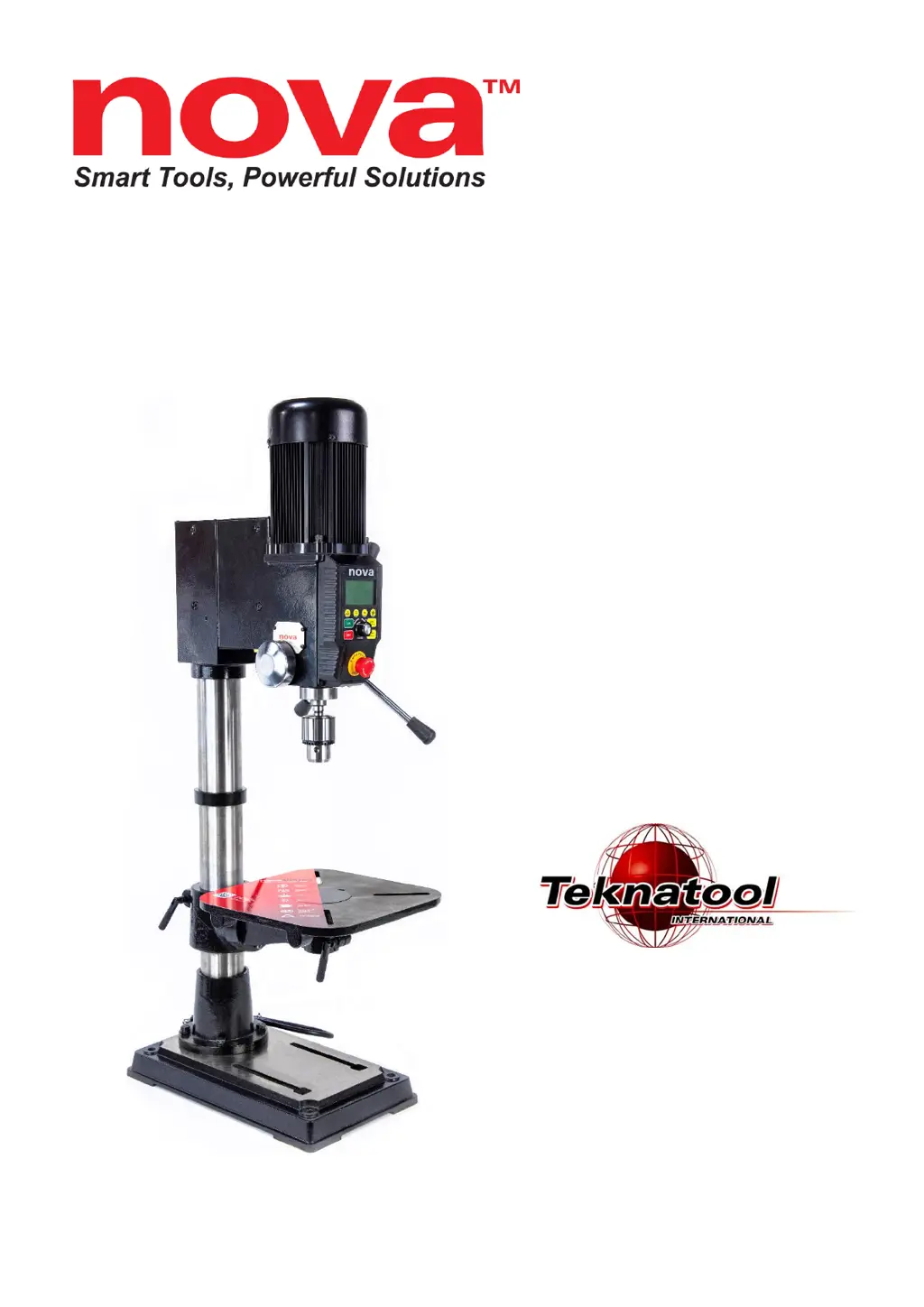
Viking DVR 16”
Benchtop Drill Press
Publication: 123-0719-018
Date: 11 July 2019
Models:
83700 - USA
83701 - NZ/Australia
83702 - Canada
83703 - Europe
83704 - UK

Table of Contents

Questions and Answers

  • R
    Richard LaraJul 28, 2025
    How to reduce excessive vibration during Teknatool Nova Viking operation?
    • J
      Joshua JohnsonJul 28, 2025
      To reduce excessive vibration during Teknatool Drill operation: 1. Ensure the workpiece is securely mounted to prevent rattling. 2. Tighten all base connecting screws. 3. Level the bench, add weight to dampen vibration, or bolt the bench to the floor if possible. 4. Use a sharper drill bit or sharpen the existing one. 5. Consult the speed chart to make sure you are using the correct speed.
  • W
    William AveryAug 2, 2025
    How to align laser on Teknatool Nova Viking?
    • J
      Jeanette HowardAug 2, 2025
      If the laser on your Teknatool Drill is not aligning with the drill bit: 1. Secure a test workpiece onto the drill press table using a clamp or bolt. 2. Drill a hole into the mounted workpiece using a small drill bit (approximately 3mm). 3. Turn on the laser modules, being careful not to look directly into the laser. 4. Loosen the grub screws on the side of the headstock. 5. Adjust the angle of the laser module until it intersects at the marked point. 6. Tighten the grub screws to lock the laser modules in place.
  • L
    Lisa SantosAug 9, 2025
    What to do if Teknatool Drill press does not turn on?
    • J
      Jennifer DavisAug 9, 2025
      If your Teknatool Drill press does not turn on (and the HMI screen is not lighting up), and all connections are secure, the main control board inside the headstock may be dysfunctional. In this case, you should contact customer services for assistance.
  • M
    Michelle CaldwellAug 15, 2025
    Why Teknatool Nova Viking Drill quill does not retract back?
    • W
      william20Aug 15, 2025
      If the quill on your Teknatool Drill does not retract back: 1. Support the quill. Release the locking bolt from the return spring housing and hand tighten it by rotating it counter-clockwise. Lock the spring housing using the locking bolt before releasing. 2. Extend the quill as far as possible and apply a relatively high viscosity lubricant. Move the quill up and down a few times to spread the lubricant. 3. Remove the handle spring and release the locking set screws to extract the handle from the headstock. Apply lubricants on all contacting surfaces and reassemble.
  • M
    Mr. Kevin CamachoAug 20, 2025
    How to fix Teknatool Nova Viking when attached tool does not run true?
    • L
      Luis CarpenterAug 21, 2025
      If the attached tool on your Teknatool Drill does not run true, the solution depends on where the runout is detected: 1. Inside the drill press spindle: Replace the entire spindle assembly. 2. Morse Tapered tool/arbor: Clean all contacting surfaces. If runout persists, try a different tool. 3. Chuck: Replace the chuck. 4. Attached tool: Ensure the tool is correctly mounted on the chuck.

Summary

General Safety Rules

Additional Safety Rules for Drill Presses

Drill Press Specifications

Assembling the Drill Press

Drill Press Body and Base Assembly

Steps for assembling the main drill press body and base.

Drill Chuck and Arbor Installation

Procedure for installing the drill chuck and arbor.

Drill Press Table Attachment and Tilting

Guide on mounting and adjusting the drill press table.

Connecting to Power

Setting up your drill press

Drill Press Interface Overview

Operating the Drill Press

Turning the Drill Press ON

Steps to power on the drill press.

Running and Stopping the Drill Press

How to start, operate, and safely stop the drill press.

Emergency Stop and Speed Adjustment

Using the emergency stop feature and adjusting motor speed.

Direction Control and Depth Zeroing

Changing spindle direction and zeroing depth.

Intermediate Functions

Electronic Depth Stop Function

Setting and using the electronic depth stop.

Quick Set Depth Function

Faster method for setting the depth stop.

Advanced Functions

Maintaining your Drill Press

Firmware Update

Troubleshooting

Mechanical Issues

Diagnosing and resolving mechanical problems.

Electrical Issues and Error Codes

Resolving electrical faults and understanding error codes.

NOVA Viking Drill Press Parts List

Teknatool Nova Viking Series Specifications

General IconGeneral
BrandTeknatool
ModelNova Viking Series
CategoryDrill
LanguageEnglish

Related product manuals