EasyManua.ls Logo

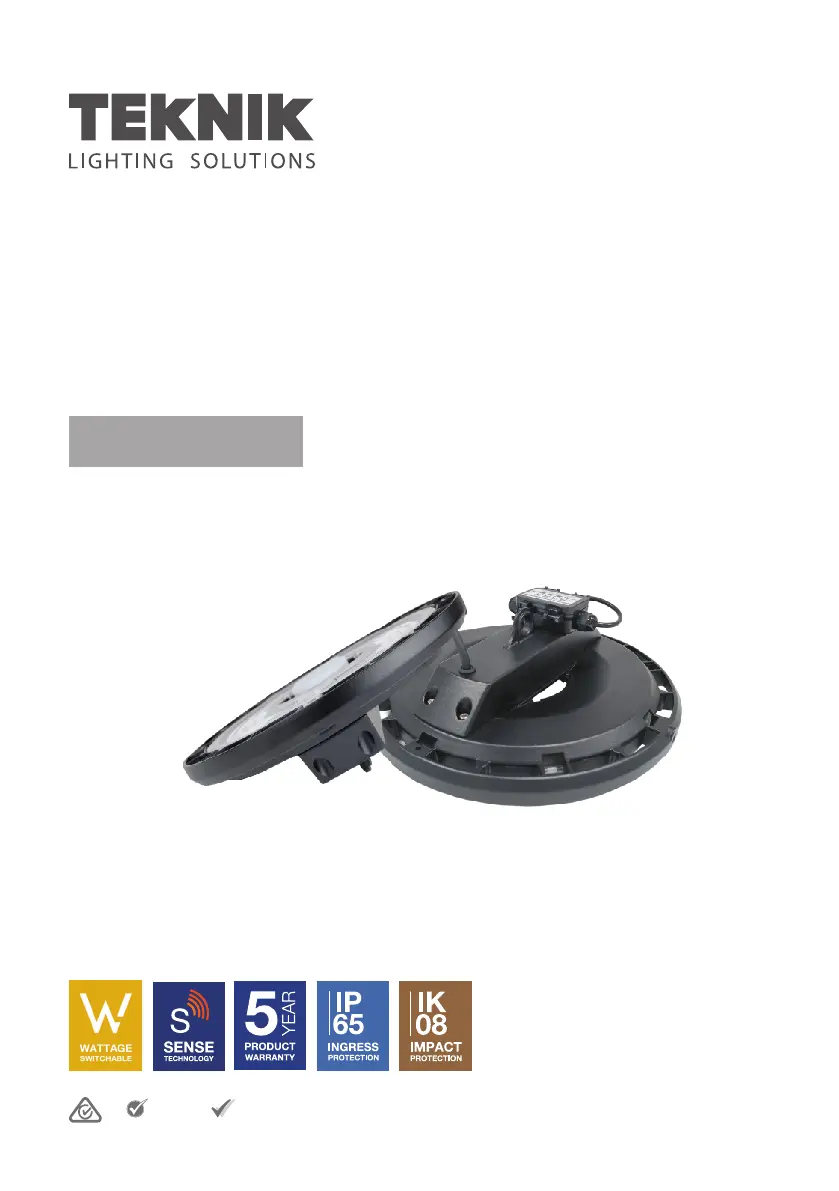
Teknik SMARTBAY One Box - User Manual

Default Icon
10 pages
Print Icon
To Next Page IconTo Next Page
Loading...
APPROVED
VEET
IPART
APPROVED
[SMARTBAY]
“ONE BOX” LED HIGHBAY
USER MANUAL
Teknik Lighting Solutions Pty Ltd
ABN: 44 608 397 913
Tel: 1300 313 780
www.tekniklighting.com.au

Questions and Answers

Summary

INTRODUCTION AND PRECAUTIONS

Key Product Features

Highlights key features like warranty, wattage, heat sink, installation, and sensor.

Installation and Operation Procedures

Emphasizes careful reading, licensed installation, and avoiding circuit tampering.

Product Handling and Maintenance

Covers warranty, restart, object insertion, replacement, and mounting structure.

Technical Information and Support

Details lumen output basis and provides contact information for support.

INSTALLATION DIAGRAMS

Hook Mount Installation

Illustrates the installation using a hook and chain system.

Bracket Mount Installation (Optional)

Shows the steps for installing with a bracket.

WATTAGE SWITCHABLE FUNCTION AND DIMENSIONS

Wattage Selection and Module Configuration

Explains switch settings for sensor/non-sensor modules and wattage options.

Product and Sensor Dimensions

Provides the overall dimensions of the LED highbay and motion sensor.

SENSOR OPERATION AND SPECIFICATIONS

Sensor Module Replacement Guidance

Instructs to replace the sensor module with a blanking module when not needed.

Sensor Technical Specifications

Lists product type, voltage, detection angle, power, and working temperature.

Default Sensor Settings Overview

Details the preset values for detection range, hold time, and dimming levels.

TYPICAL APPLICATIONS AND DETECTION PATTERNS

Daylight Harvesting and Light Control

Explains how daylight harvesting works with motion detection and light regulation.

Power Saver Mode Operation

Details the product's behavior and light output when no motion is detected.

Detection Patterns for Mounting

Visualizes detection zones for ceiling and wall mounting configurations.

REMOTE CONTROL FUNCTIONS

Mode Selection and Operation

Covers selection of operation modes like Auto/Semi-Auto and adjusting output/brightness.

Sensor Parameter Configuration

Explains how to configure sensor parameters like range, hold time, and dimming.

Advanced Remote Features

Details advanced features like scene programming, ambient sampling, and RF grouping.

RF GROUPING AND TROUBLESHOOTING

RF Pairing and Management

Covers activation, transmission, pairing, output modes, and erasing commands.

Common Issues and Solutions

Details common malfunctions, their causes, and remedies in a table format.

Important Usage Notes

Covers minimum clearance, weight checks during replacement, and contact information.

DISCLAIMERS AND OPERATING CONDITIONS

Product Compliance and Safety Warnings

Covers installation compliance, non-serviceable nature, and area suitability.

Technical Limitations and Intellectual Property

Details over-voltage protection design and intellectual property rights.

Environmental Operating Specifications

States the product's operating temperature range.

Teknik SMARTBAY One Box Specifications

General IconGeneral
BrandTeknik
ModelSMARTBAY One Box
CategoryFlood Light
LanguageEnglish