Service manual: TAC-12D-10
6/9
● Parameters setting
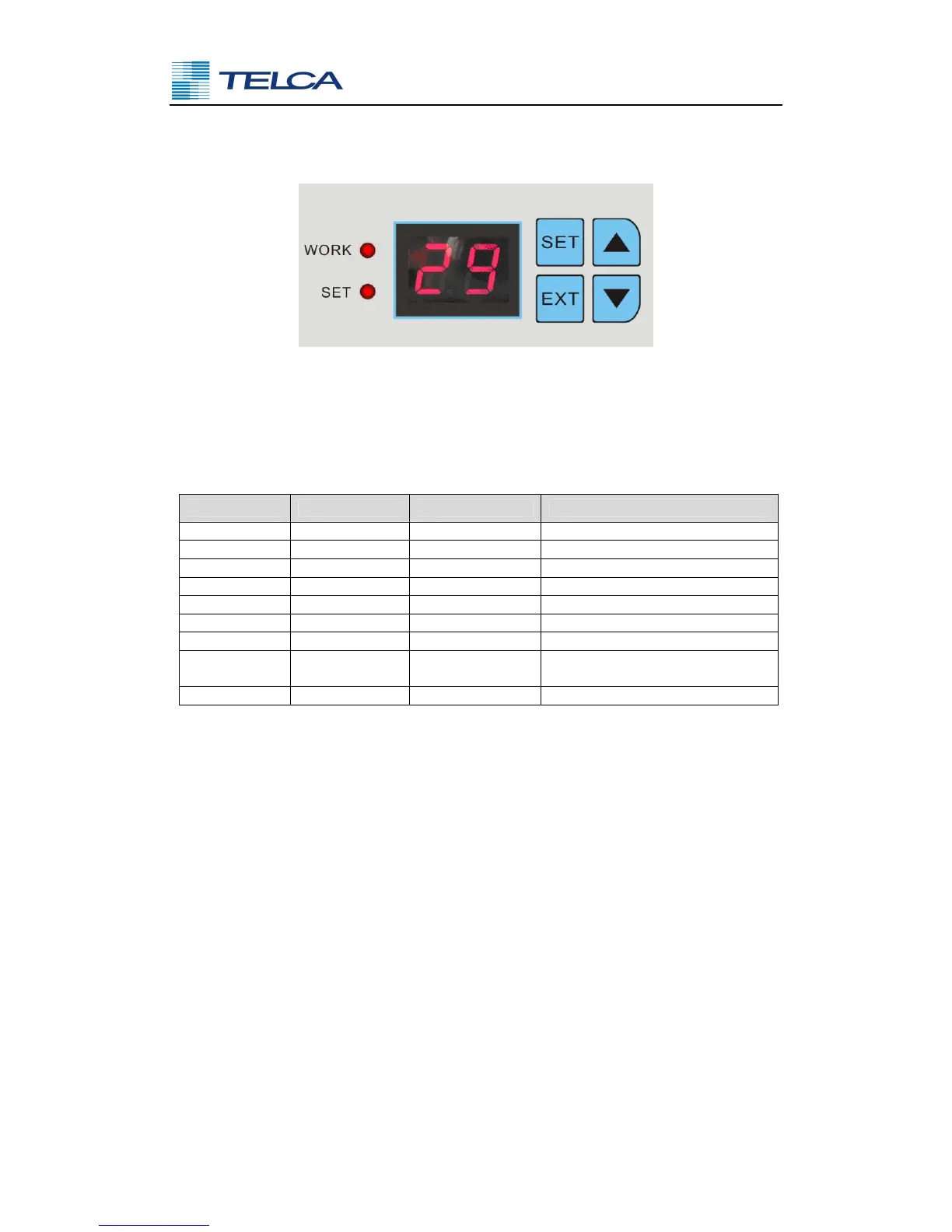
Fig.5.1 Display terminal (optional)
The display terminal consists of a LED display which indicates the inside temperature.
Press ▲ or ▼ button to display the evaporator temperature, the LED display will flash.
Parameter setting range
Parameters Default Value
P4 45 °C 40~60 High temperature alarm
P5 0 °C -9~10 Low temperature alarm
P6 0 °C -9~10 Evaporator freezing alarm
P7 15 min 1~60
Cooling cycle time when
sensors defective
P8 1 1~10 Machine address
Keys introduction
EXT Press the EXT button once to setting the parameter P2, press ▲ or ▼ button
to modify the setting value, press EXT button to exit, otherwise exit
automatically after 5 seconds delay.
SET Press the SET button once to setting the parameter P0, press ▲ or ▼ button
to modify the setting value, press SET button to exit, otherwise exit
automatically after 5 seconds delay;
Press the SET button for more than 3 seconds to enter the parameters setting
menu, press ▲ or ▼ to select the parameter to modify, press SET button
once to enter the appropriate parameter setting state, press ▲ or ▼ to modify
the setting value, after being adjusted, press the EXT button to exit, otherwise
exit automatically after 5 seconds delay.
▲ Up button
▼ Down button



 To Next Page