EasyManua.ls Logo

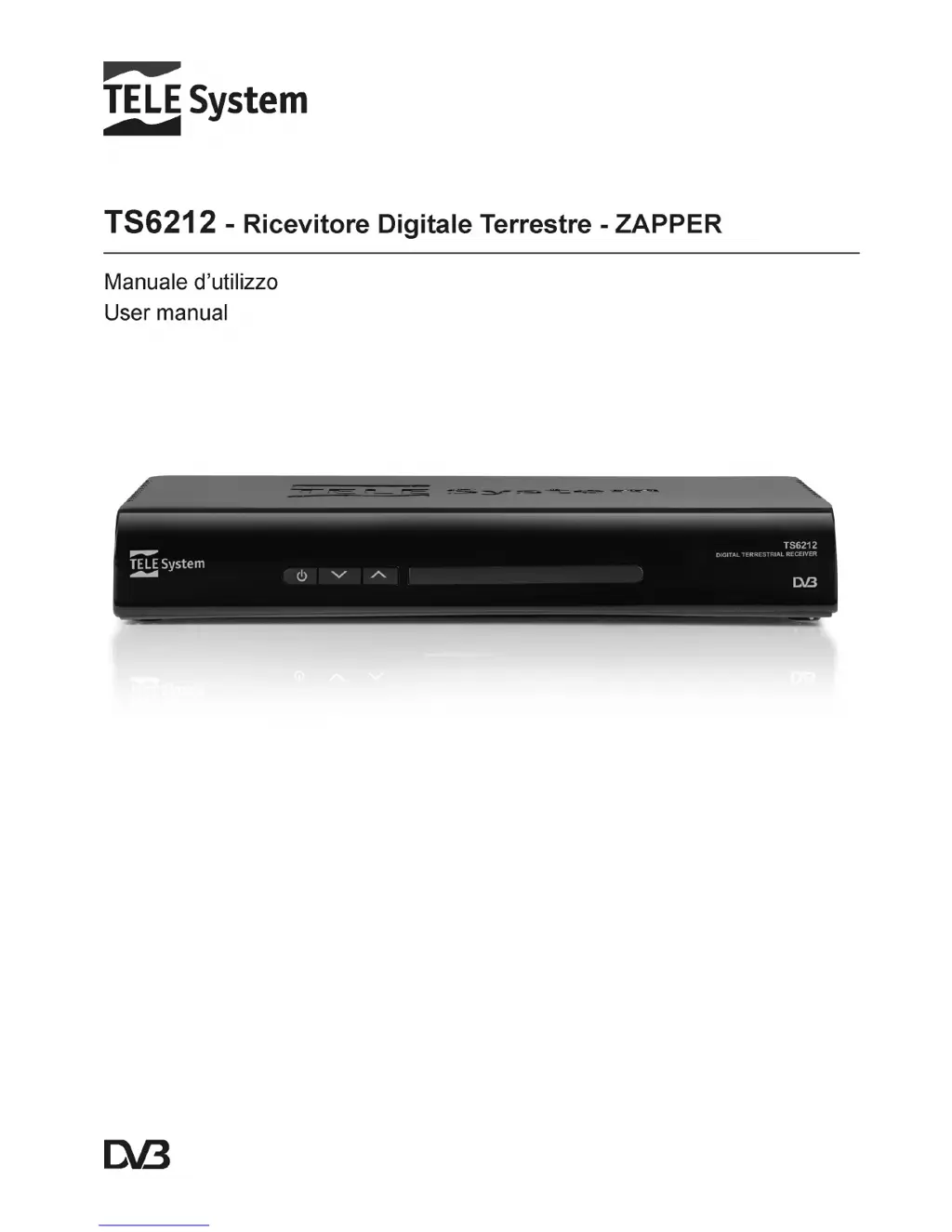
Tele System TS6212 - User Manual

Tele System TS6212
24 pages
Go to English
Print Icon
To Next Page IconTo Next Page
Loading...

Questions and Answers

  • P
    Paul PetersenAug 4, 2025
    What to do if my Tele System TS6212 has no image or sound?
    • A
      Anne StewartAug 4, 2025
      If your Tele System TV Receiver shows no image or sound, first ensure the power cable is properly plugged into the power socket. Then, check that the power supply cable isn’t damaged after unplugging the receiver. Also, verify the power switch on the rear panel is in the 'on' position. Make sure the SCART is properly connected, check the antenna installation and the quality of the signal received. Ensure that the volume on the TV or the receiver is not at zero. Also, make sure the TV is switched to the AV channel and perform a factory reset.

Summary

Safety regulations

Product description and connections

Front panel

Details the front panel interface and buttons.

Back panel and connections

Explains rear connections and ports for external devices.

Remote control

Guides on using the remote control, including battery and button functions.

First time installation

Menu and sub-menus

Setup

Initial configuration settings like country, language, and time.

TV

Options for managing TV channels and guides.

Radio

Options for managing radio channels and guides.

Menu organisation

Overview of the receiver's menu structure.

Troubleshooting guide

Technical specifications

Tele System TS6212 Specifications

General IconGeneral
USB Port1 x USB 2.0
EPGYes
TeletextYes
TV TunerDVB-T2/C
Video formats supportedMPEG-2, MPEG-4, H.264
ConnectivityHDMI, SCART
Audio DecoderMPEG Layer 1/2, AAC
Audio OutputHDMI
Supported Resolutions576i, 720p, 1080i, 1080p