EasyManua.ls Logo

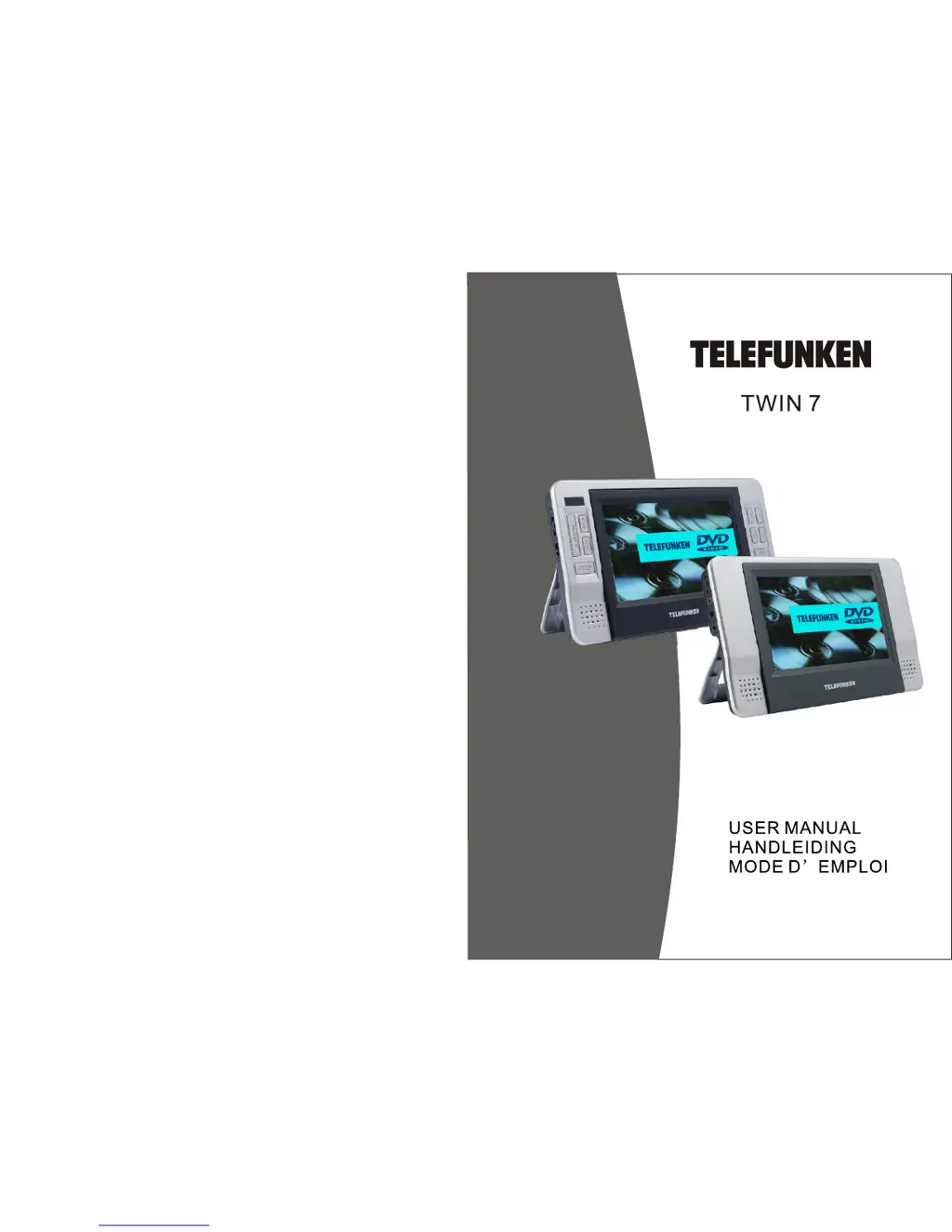
Telefunken Twin 7 - User Manual

Telefunken Twin 7
11 pages
Print Icon
To Next Page IconTo Next Page
Loading...

Questions and Answers

  • S
    susangoldenJul 31, 2025
    Why is there no sound coming from my Telefunken Twin 7 DVD Player, or why is the sound distorted?
    • B
      brenda21Jul 31, 2025
      First, ensure that your Telefunken DVD player is correctly connected to your audio system. Then, verify that all cables are securely plugged into the appropriate jacks. A loose connection can often cause sound issues.
  • S
    Samuel HodgesAug 14, 2025
    What to do if my Telefunken Twin 7 picture is distorted?
    • S
      ssmithAug 14, 2025
      If the picture from your Telefunken DVD player is distorted, the disc might be damaged. Try playing another disc to see if the issue persists. Note that some distortion is normal during forward or reverse scan.

Summary

Safety Precaution

Package

Main Features

Main Unit Controls

The Monitor

System Connection

Powering and installation

Details on powering the unit and installing it using the AC/DC adapter or car cigarette lighter.

Connecting to the monitor

Instructions for connecting the unit to an external LCD monitor using AV cables.

Connecting with external Speaker

The Remote Control

The Use of Remote Control

Basic Operation

Fast forward and fast backward

Repeat playing

Repeat playing offavorite scene

Angle

Zoom in;out

Playing JPG file

Playing MP3 files

System Setup

General Setup Page

Configure display settings, angle mark, TV type, screen saver, and OSD language.

Video Setup Page

Adjust video output picture quality including brightness, contrast, hue, and saturation.

Password Setup Page

Set a four-digit password for parental control features, with a default of 8888.

Preference Page

Select preferred audio, subtitle, and menu languages, and set parental control level.

Preference Page

Disc Menu

Choose the menu language stored on the disc, defaulting to English.

Parental

Set parental control level to restrict viewing of unsuitable scenes by children.

Reset

Reset all settings to the original factory default settings.

Specification

Rechargeable battery use

Precautions related to Battery Recharge

Guidelines for recharging the built-in Li-polymer battery, including charging time and indicators.

Using and Maintaining Rechargeable Battery

Recommendations for optimal use and maintenance of the rechargeable battery.

Troubleshooting

Telefunken Twin 7 Specifications

General IconGeneral
BrandTelefunken
ModelTwin 7
CategoryDVD Player
LanguageEnglish

Related product manuals