AC-DC POWER CONVERTER AND BATTERY CONNECTION
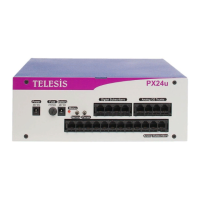
Telesis PX24U/PX24M Hybrid IP PBX systems have no ON/OFF switch. AC-DC
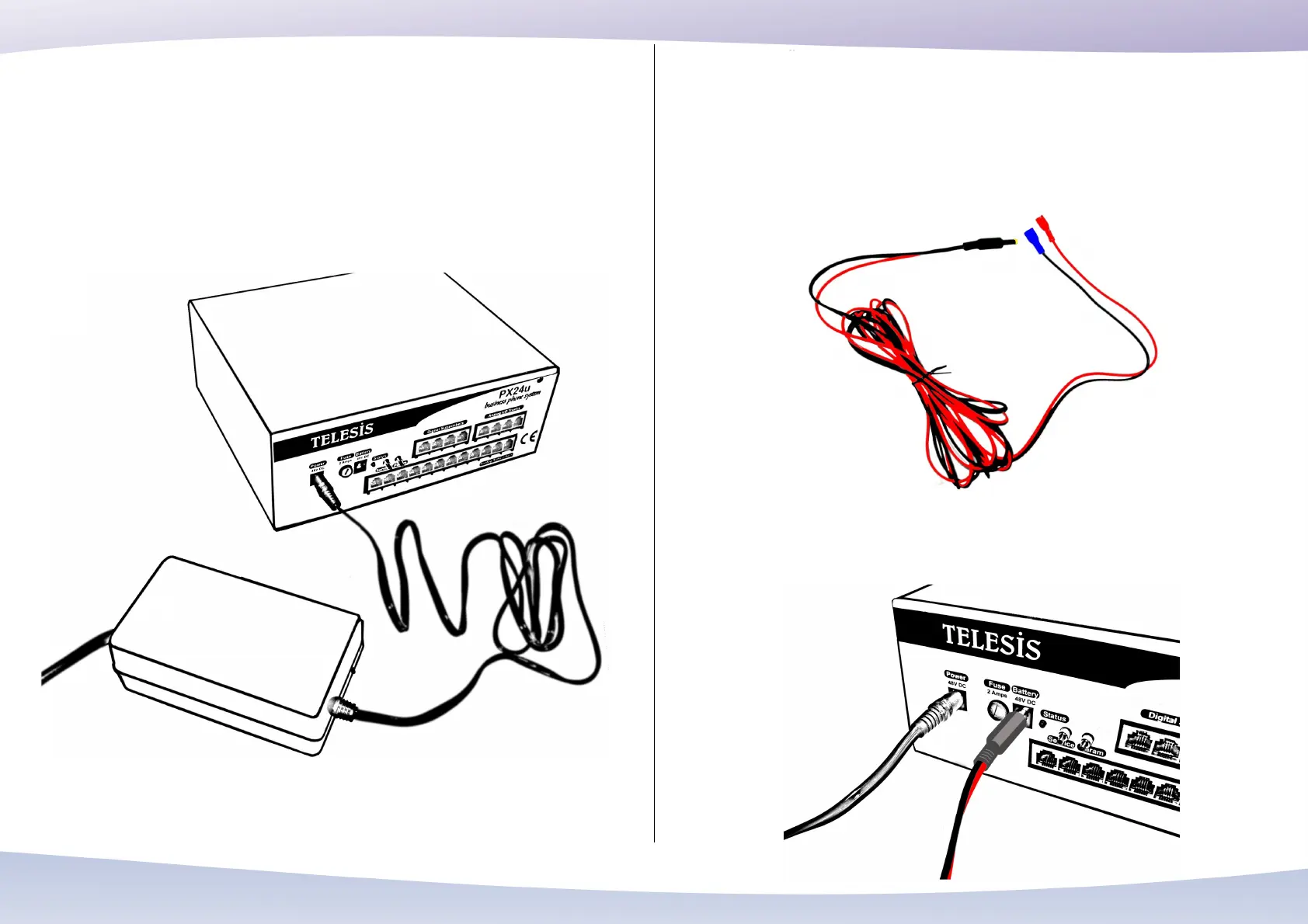
power converter is directly connected to the power socket on the front panel. Be aware
that AC-DC power converter is specially designed for the PX24U/PX24M. Never use
any adapter or power converter except the one supplied by Telesis. Otherwise, you
may damage your system.
You must always connect the AC-DC power converter to a grounded mains socket.
Otherwise your system may not operate properly.
The power supply of the Telesis PX24U/PX24M Hybrid IP PBX system may be
backed up with batteries. The recommended batteries for a 5-6 hour backup time is
7AH (Amper Hours), 48V. Using a battery group consisting of four dry, gel,
maintenance-free batteries, each with 12Volts 7 AH, may be a good option. For battery
to PX24U/PX24M system connection, use the battery connection cable supplied by
Telesis.
Connect the cable to the battery socket on the front panel. Red terminal on the other
end of the cable is connected to the + pole of the battery and blue (or black) terminal
is connected to – pole of the battery.
37


 To Next Page
 Loading...