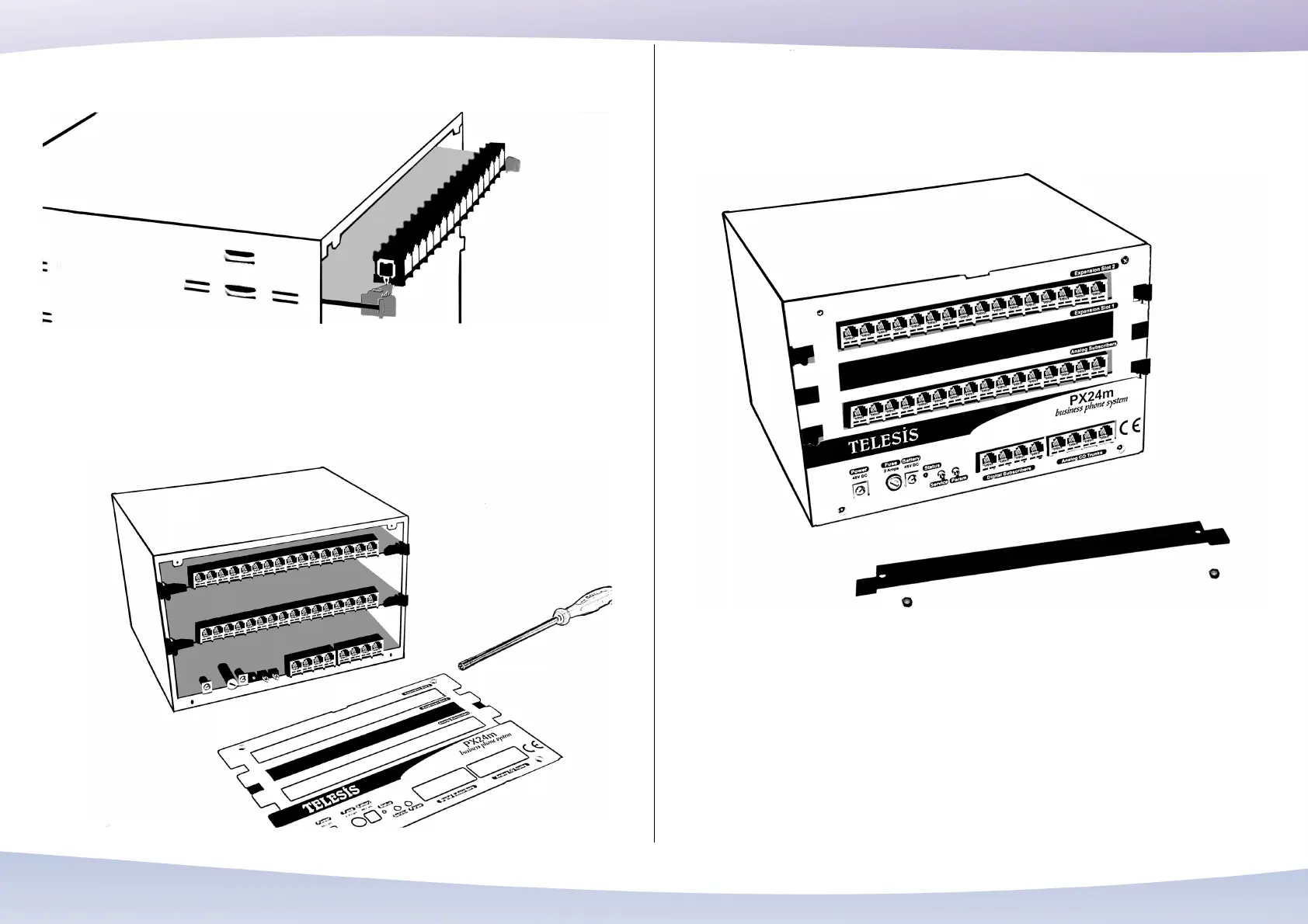
To take out a card, push simultaneously on the cleats and pull with both hands, making
sure you do not touch the components on the face of the card. Now, it is time to attach
the front panel to the system again. Screw it.
Hardware expansion is done. However, the expansion card needs to be licensed for its
proper operation.
Certain parts of the software which deliver particular functionality to a particular
optional part like an expansion card are technologically secured to prevent their
unlicensed use. An unlicensed expansion card should be enabled or licensed as
detailed in technical documents. Otherwise the operation of the expansion card
terminate a short time after the PX24U/PX24M System is turned on.
39


 To Next Page
 Loading...