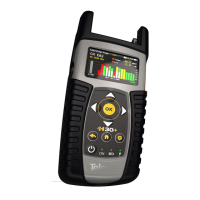
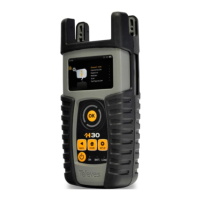
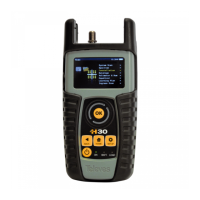
REF. #593101 – H30 CATV Meter / Analyzer
Firmware Update
DESCRIPTION
This document describes the steps to be followed to update the H30's firmware to the latest version available on
Televes' cloud server using an Internet connection. The update process should take no longer than five minutes to
complete.
IMPORTANT NOTE
• It is assumed there is a DHCP server available in the network.
• If this is not the case then the correct IP configuration will have to be manually entered in the following
menu:
Setup à Network à IP à Manual
PROCEDURE
• STEP 1 – Connect power to the H30 using the provided PSU and connect the meter to the Internet.
• STEP 2 – Press “Home” and “Setup” to enter the H30 configuration menu. Then use the thumbwheel to
navigate and highlight the “Update Firmware” option:
AUTHOR VERSION PAGE DATE
Javier Ruano 1.01 1/2 03/21/2013

 Need help?
 General

 To Next Page