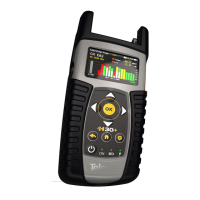
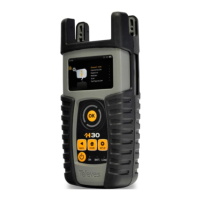
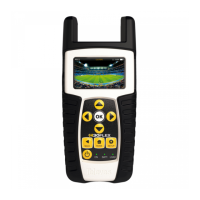
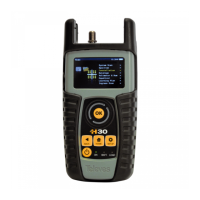
REF. #593101 – H30 CATV Meter / Analyzer
Firmware Update
• STEP 3 – Press “OK” to display the list of options and the thumbwheel to highlight “ON”, then press “OK”
again to select it:
• STEP 4 – Once “Update Firmware - On” has been selected, press and hold the power button to turn the
unit off:
• STEP 5 – The meter will then establish a connection to the server, download the firmware files and install
them:
AUTHOR VERSION PAGE DATE
Javier Ruano 1.01 2/2 03/21/2013



 To Previous Page