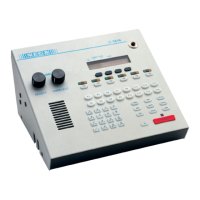
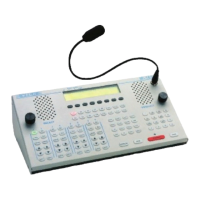
Care and Feeding of Telex Radio Dispatch Systems
C-6200 Setup
Phase 4 Design, Inc.
Dave Grant / dgrant@hostnw.net
425.402.7308
11/5/2010 Page 18 of 18
Line Card Installation
Installing and removing line cards can be completed in the field by qualified personnel. The steps for
this process are listed below.
1) Remove power from the console.
2) Remove the flathead screws holding the top of the case to the bottom chassis. A Phillips
screwdriver will be required. Also remove the screws holding the rear cover.
3) The case top should be removed in a vertical direction, once the case top is clear of the bottom, set
the top on its sides to the right of the case. Sufficient cable length is available for this without
disconnection of cables.
4) Remove the hole cover for the line card position you wish to install
5) Insert the card into the slot making sure that that the DB25 jack is flush with the back of the C-
6200.
6) Place the top back on, first making sure that all connections of the cable assy. are connected.
7) Replace all screws removed in the first step.
An exploded view of the case can be found with the schematics and parts placement drawings.



 To Previous Page