FN990 Family Hardware Design Guide
8 RF Section
8.1 Antenna Interface
The antenna connection is one of the most important aspects of the whole application
design as it strongly affects the overall radio performance. Hence, please read and follow
the requirements and the guidelines as carefully as possible.
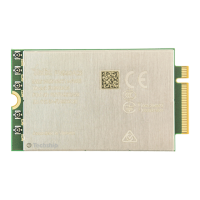
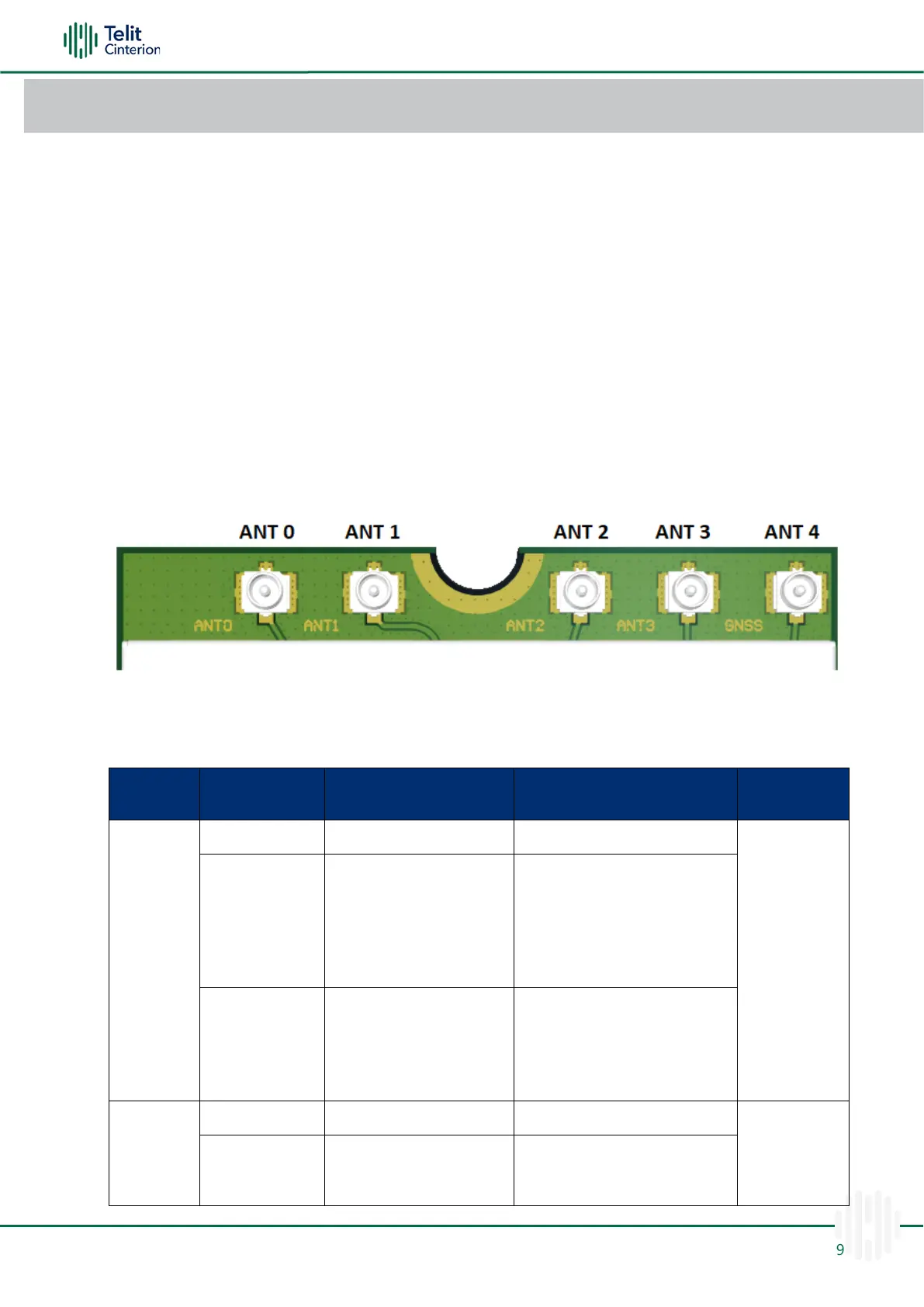
FN990 family modules provide four MHF-4 type RF connectors covering the 5G
FR1/LTE/WCDMA bands including GNSS and one MHF-4 type RF connector dedicated to
GNSS.
Warning: When connecting cellular and GNSS antennas to the module, pay
special attention not to damage RF connectors.
Antenna Configuration
Please refer to the picture below for the connector position.
Figure 19: Antenna Configuration
Refer to the following antenna configuration assigned.
Table 39: Antenna Configuration
B1, B2, B4, B5, B6, B8, B19
B1, B2, B4, B5, B6, B8, B19
B1, B2, B3, B4, B5, B7, B8,
B12, B13, B14, B17, B18,
B19, B20, B25, B26, B28,
B30, B34, B38, B39, B40,
B41, B66, B71
B1, B2, B3, B4, B5, B7, B8, B12,
B13, B14, B17, B18, B19, B20,
B25, B26, B28, B29(SDL), B30,
B32(SDL), B34, B38, B39, B40,
B41, B42, B43, B46(SDL), B48,
B66, B71
n1, n2, n3, n5, n7, n8, n12,
n13, n14, n18, n20, n25,
n26, n28, n30, n38, n40,
n41, n66, n71
n1, n2, n3, n5, n7, n8, n12, n13,
n14, n18, n20, n25, n26, n28,
n29(SDL), n30, n38, n40, n41,
n48, n66, n71, n75(SDL),
n76(SDL), n77, n78, n79
GPS L1, Galileo
E1, Beidou B1,
Glonass G1
B1, B2, B3, B4, B7, B25, B30,
B32(SDL), B34, B38, B39, B40,
B41, B42, B43, B48, B66


 To Next Page
 Loading...