EasyManua.ls Logo

Telkom ADSL 5102G - User Manual

Telkom ADSL 5102G
58 pages
Print Icon
To Next Page IconTo Next Page
Loading...
Telkom ADSL 5102G
Instruction Manual

Other manuals for Telkom ADSL 5102G

Questions and Answers

Summary

Telkom ADSL 5102 G Introduction and Features

1.1 Overview of the Telkom ADSL 5102 G Router

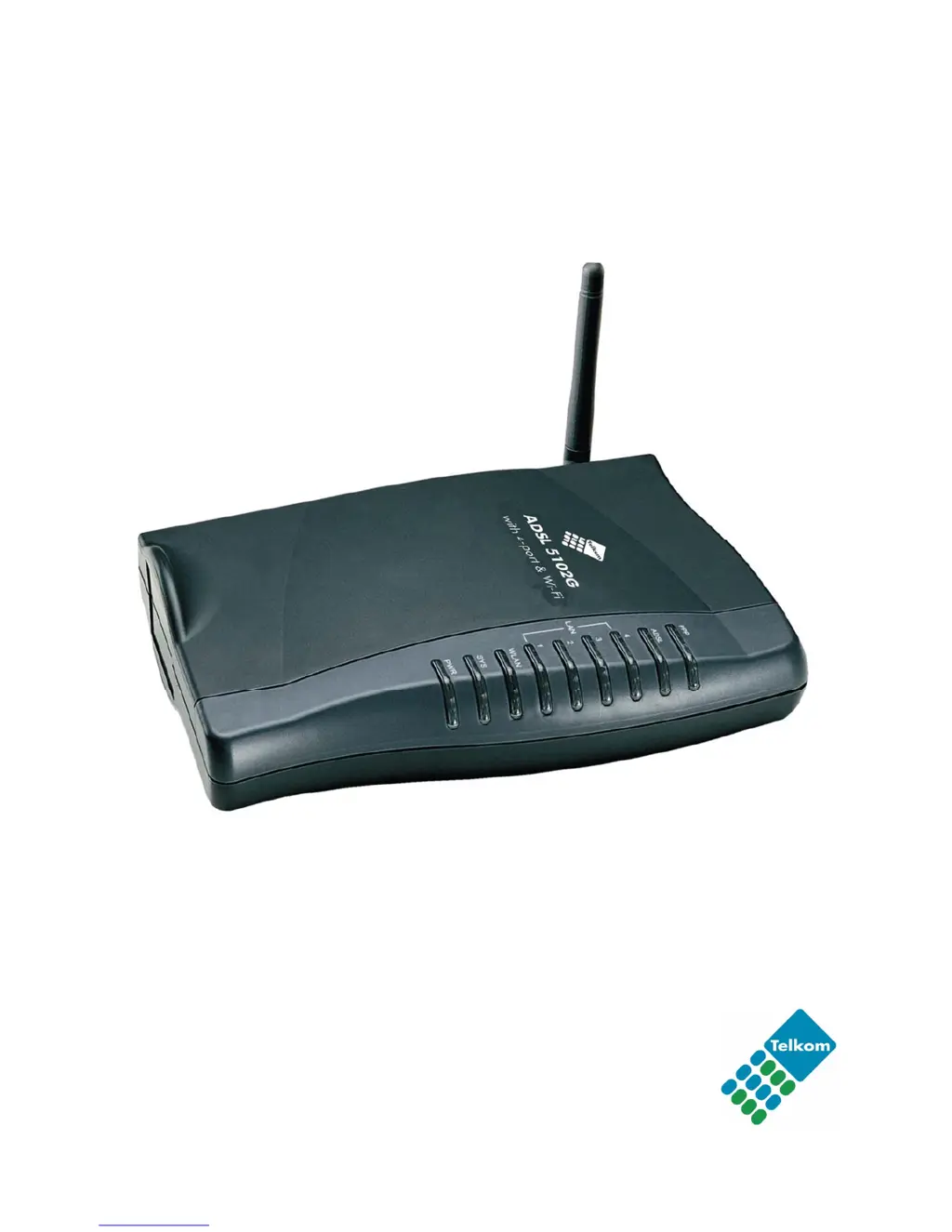
Introduces the Telkom ADSL 5102G as an all-in-one ADSL modem, router, and Ethernet switch.

1.2 Key Features and Capabilities

Details the router's ADSL Multi-Mode Standard compliance and Wireless Ethernet 802.11g functionality.

Telkom ADSL 5102 G Installation and Setup

2.1 Important Usage Notes and Warnings

Critical safety and operational guidelines for using the Telkom ADSL 5102G router, including warnings and attention points.

2.2 Package Contents and Included Items

Lists all hardware components and accessories provided in the Telkom ADSL 5102G router package.

2.3 Understanding Front Panel LED Indicators

Explains the status indicated by each LED light on the front of the Telkom ADSL 5102G router.

2.4 Identifying Rear Panel Ports and Connectors

Details the function and location of each port on the rear of the Telkom ADSL 5102G router.

2.5 Essential Cabling and Connection Procedures

Provides step-by-step instructions for correctly cabling and connecting the Telkom ADSL 5102G router.

Telkom ADSL 5102 G Basic Installation Steps

3.1 PC Network Preparation Before Configuration

Essential PC network settings (TCP/IP, Ethernet) required before configuring the Telkom ADSL 5102G router.

3.2 Default Factory Settings and Credentials

Information on default router settings, including IP address, username, password, and ISP connection type.

3.3 Understanding LAN and WAN Port Addressing

Details the default IP addresses and subnet masks for the router's LAN and WAN ports.

3.4 Gathering ISP Information for Connection

Guidance on collecting ISP-specific details like VPI/VCI, username, and password for connection setup.

3.5 Configuring the Router via Web Browser

Step-by-step instructions for accessing and configuring the Telkom ADSL 5102G router through its web interface.

Telkom ADSL 5102 G Configuration Guide

4.1 Using the Quick Start Wizard

Walkthrough of the Quick Start wizard for rapid configuration of the ADSL router for Internet access.

4.2 Interface Setup: Internet, LAN, Wireless Configuration

Configuration settings for the Internet, Local Area Network (LAN), and Wireless interfaces of the router.

4.3 Advanced Setup: Routing, NAT, and ADSL Settings

Covers advanced network configurations including routing tables, Network Address Translation (NAT), and ADSL parameters.

4.4 Access Management Tools: ACL, IP Filter, SNMP, UPnP, DDNS

Tools for managing network access, filtering traffic, network monitoring (SNMP), and dynamic DNS services.

4.5 Router Maintenance and Administration

Procedures for maintaining the router, including password changes, time zone settings, firmware updates, and restarts.

4.6 Monitoring Router Status and Logs

How to view device information, system logs, and traffic statistics to monitor router performance.

Telkom ADSL 5102 G Troubleshooting Guide

5.1 Resolving Router Startup Problems

Solutions for common issues like no LEDs on startup or forgotten router login credentials.

5.2 Diagnosing WAN Interface Connection Failures

Troubleshooting steps for failed PVC connections and frequent ADSL line disconnections.

5.3 Fixing Local Area Network (LAN) Connectivity Issues

Guidance on resolving problems like being unable to ping PCs on the local network.

Appendix: Product Support and Contact Information

Contacting Telkom for Technical Assistance

Provides contact details and website for obtaining further product support and troubleshooting assistance.

Telkom ADSL 5102G Specifications

General IconGeneral
BrandTelkom
ModelADSL 5102G
CategoryNetwork Router
LanguageEnglish