Installaon Diagram:
Included:
- Android TV Box (TVB-100)
- Remote Control
- HDMI Cable
- Power Supply Unit
- Quick Installaon Guide
NOTE: BATTERIES NOT INCLUDED (2 x AAA)
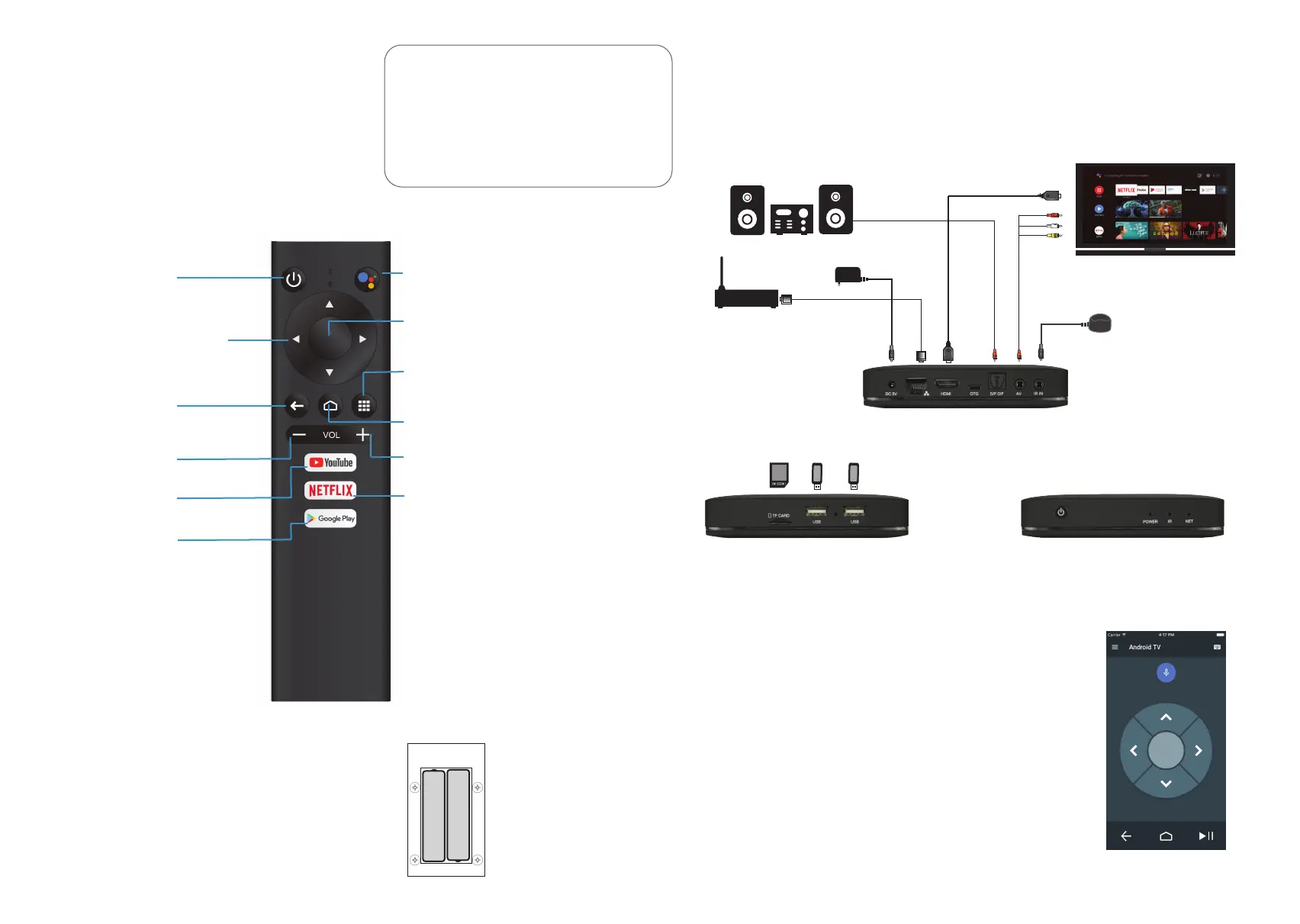
Remote Control Unit:
POWER ON/OFF:
VOLUME +:
Increase the volume.
HOME:
The home buon will take you back
to the Android TV home page.
The installaon guide shows all the possible installaon opons supported by the TVB-100.
The unit is not supplied with all cables, but these cables should be available from any major
electronics store. We recommend that you connect the TVB-100 as shown on the opposite
page.
Power
Supply Unit
Opcal Cable
HDMI Cable
AV Cable
Router
Television
Sound System
OK / ENTER:
The OK key is used to confirm
funcons or enter funcons.
CURSOR:
The UP, DOWN, LEFT and RIGHT
keys can be used to move
between menu opons.
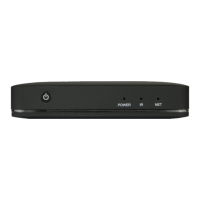
Android TV Box
MODEL TVB-100
Ethernet
IR Receiver
TF Card USB-1 USB-1
VOLUME -:
Decrease the volume.
You can also use your smartphone or tablet as a Remote Control
Unit. The TVB-100 and your mobile device must both be connected
to the same network. During set-up the TVB-100 will prompt you to
register the device you want to use by entering a PIN to simplify the
registraon process. You should pre-load the Android TV (by Google)
app from the IOS App Store or Google Play Store before set-up.
Android TV has been specifically designed for a superior user
experience. Older versions of the Android operang system support
versions of mobile phone apps for use on set top devices. The
Remote Control Unit and Android TV Remote app may not support
all the funconality on these apps and you may need to obtain a
separate Remote Control, for example an Airmouse, to support
all these funcons.
INSTALLING THE BATTERIES:
Your Remote Control Unit requires two type AAA
Alkaline baeries. Ensure you insert the baeries
correctly with polaries as shown.
APPS:
One-touch access to your Apps.
BACK / RETURN:
The back key will return you
to the previous page or funcon.
NETFLIX:
One-touch access to Nelix.
Android TV Remote App:
GOOGLE ASSISTANT:
Use Google Assistant to control your
TVB-100 with voice commands.
YOUTUBE:
One-touch access to YouTube.
GOOGLE PLAY:
One-touch access to Google Play.
+
-
+
-
Bottom


 To Previous Page
 Loading...