TP-8/16/24/32/64S User Manual Version No.: V1.2
- 33 -
Explanations:
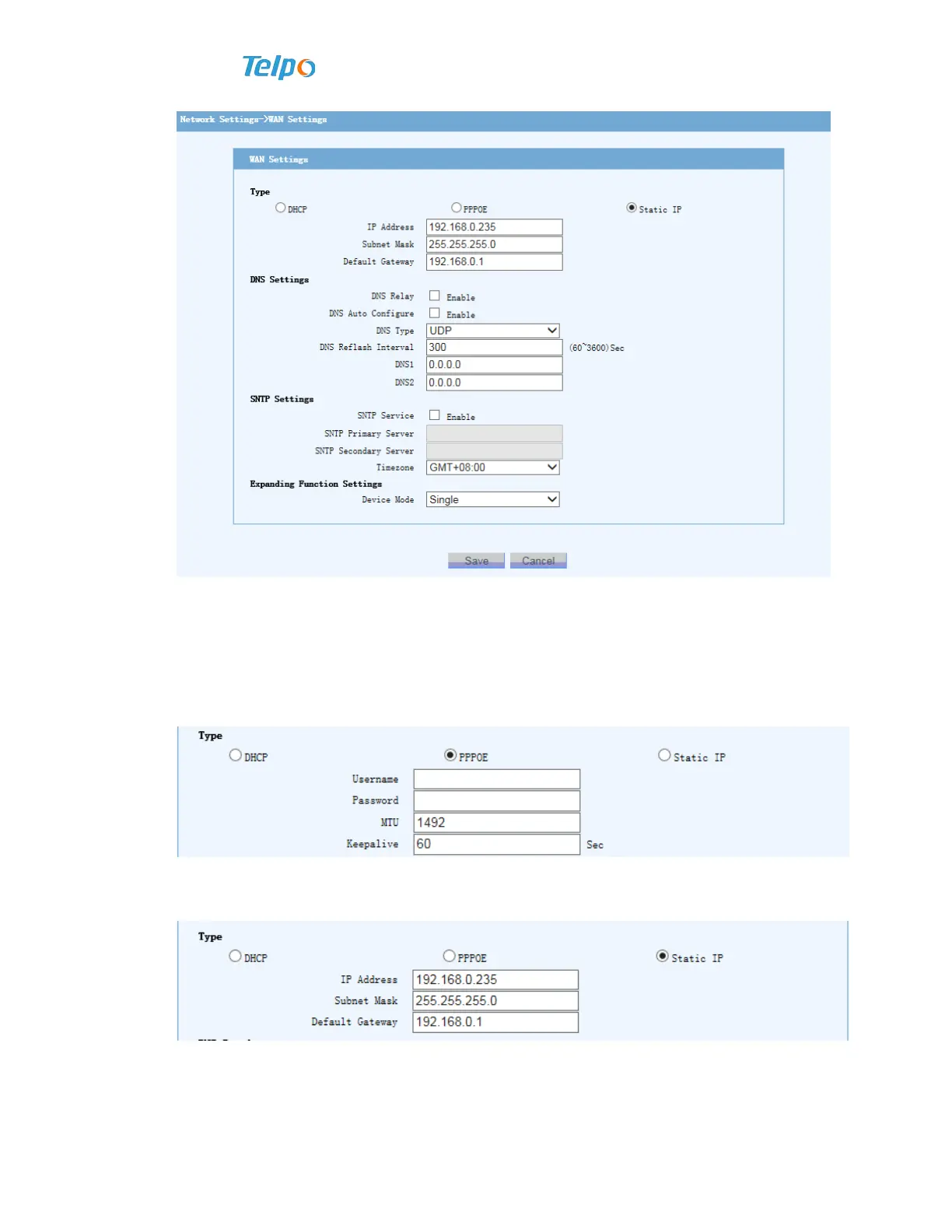
1. Choose IP type
Use DHCP to acquire IP
By “online pattern” to open “DHCP”, then click to save.
PPPoE dialing, input account and password and then click to save.
2. Static IP
Enter IP address, subnet mask and default routing IP address, and then click to save.
3. DNS settings
DNS service, Use start, choice of DNS transmit type, DNS refreshing interval
(usually it defaults 5 minutes), and prior and standby DNS address setting;



 To Next Page