13
TELEPHONE OPERATION
Making a call
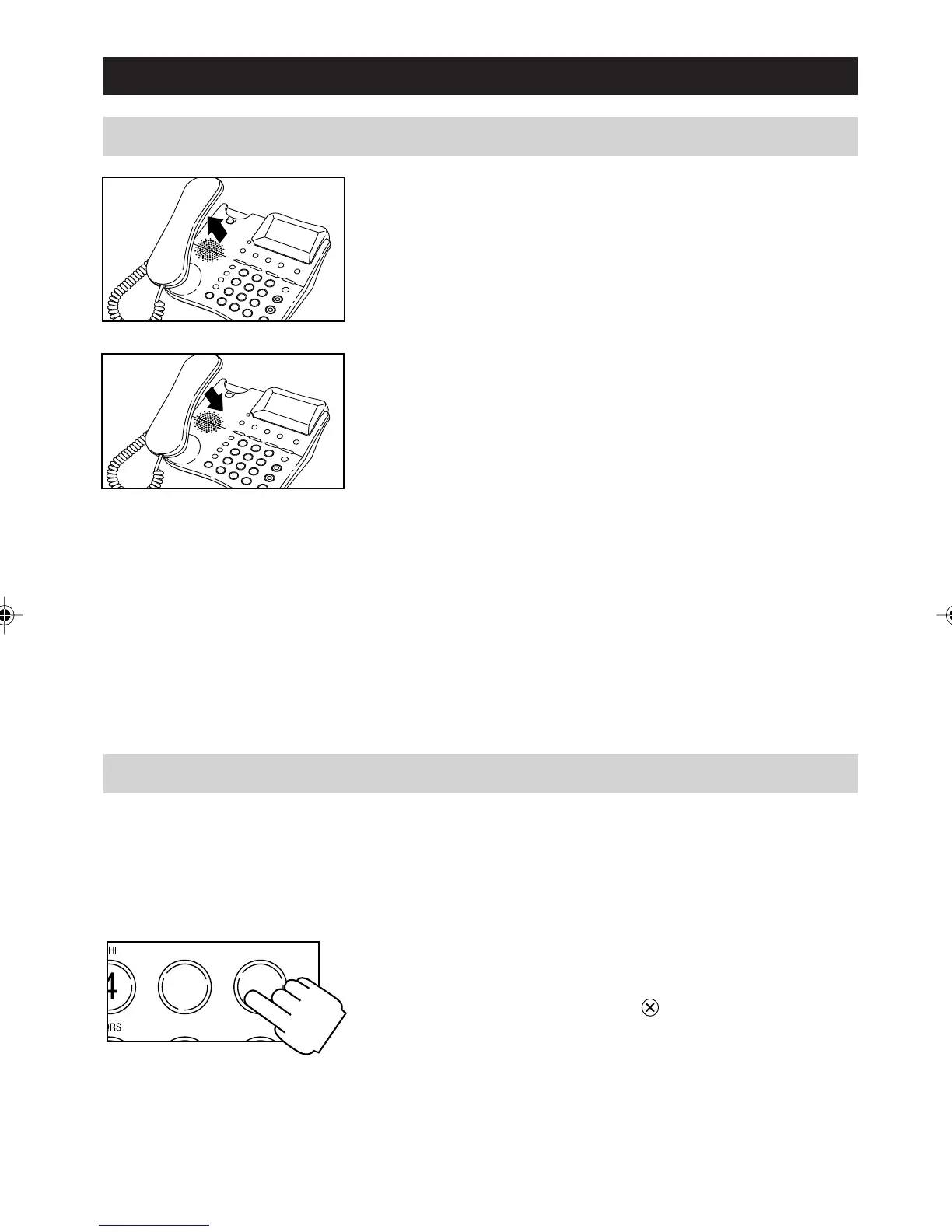
1. Lift the handset and dial the phone number
2. To end the call, replace the handset.
Note:
You can dial the number manually using the keys
[0] through [9] and the keys [RECALL], [PAUSE]
[#] and [*].
Or you can retrieve and dial a number stored in
any of the Quick-Dial memories simply by pressing
the [M1], [M2], [M3] or [M4].
Or you can retrieve a number stored in the
Directory or Callers List and the press [OK] to
dial.
Predialling a Number
You can enter a number before lifting the handset.
This allows you to view, and if necessary, change
the number before dialling it.
1. With the handset still on hook enter a number.
You can correct mistakes or modify the number
using the [CLEAR] key
to delete digits and
the [
] or [] keys to move the cursor right
or left.
5
JKL
6
MNO
TUV WXYZ
a200ug.p65 3/7/01, 11:08 AM13



 To Next Page