14
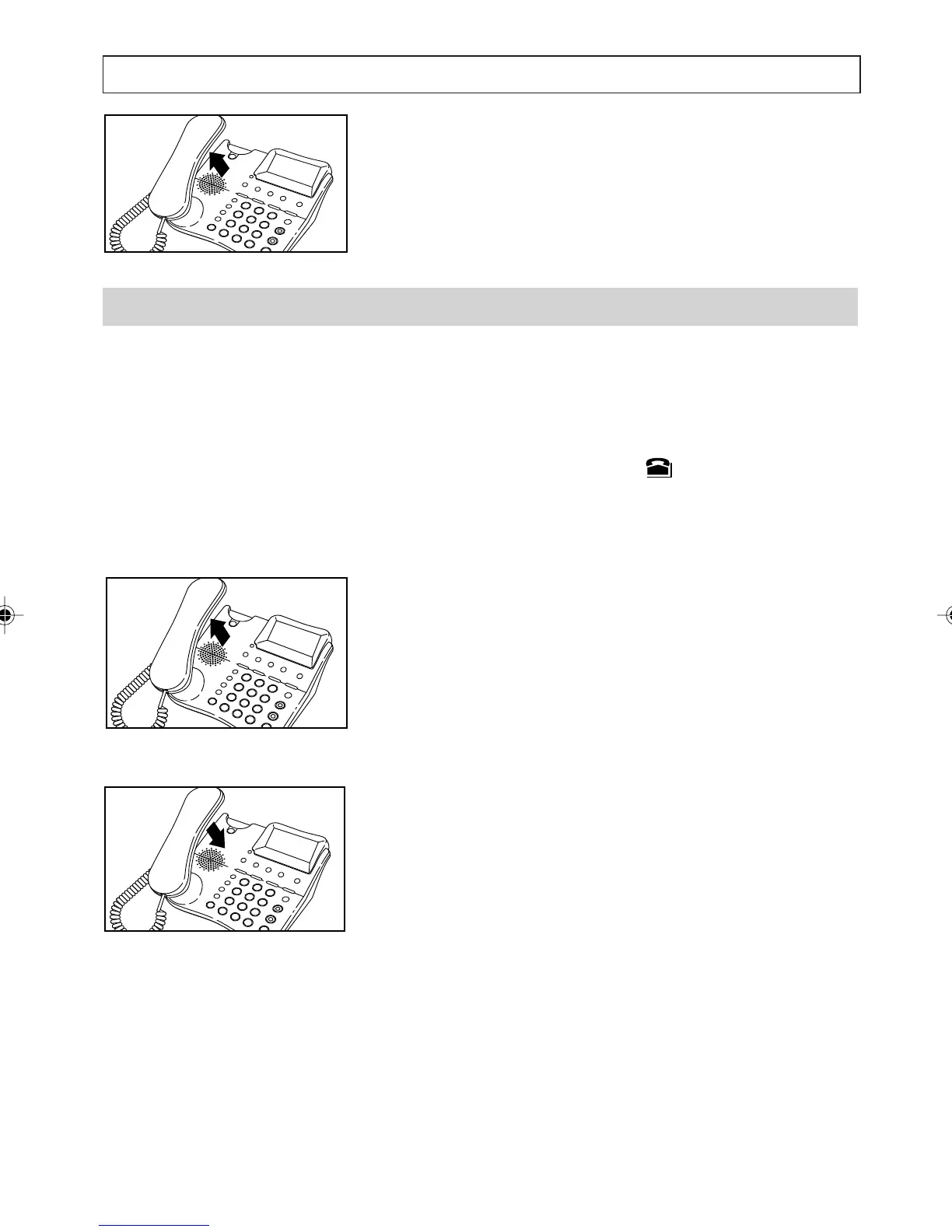
2. Lift the handset and then press [OK] to dial.
Answering a Call
The messages displayed by your telephone depend
on the the services provided by the Telstra
network. If you have the Calling Number Display
service, when a call is received, the telephone rings
and the New Calls alert and symbol both flash.
The display also shows the telephone number of
the person calling, provided the number is not
blocked.
1. Lift the handset then speak.
2. To end the call, replace the handset.
Note:
You can answer a call even if you are in the Menu,
the Directory, or any other list. When the telephone
rings, the display alternates between the current
screen and the callers telephone number (if
provided). This stops shortly after you answer
the call.
TELEPHONE OPERATION
a200ug.p65 3/7/01, 11:08 AM14



 To Next Page