15
Adjusting the Ring Volume
You can increase, decrease or even turn off the
ring volume through the Settings menu.
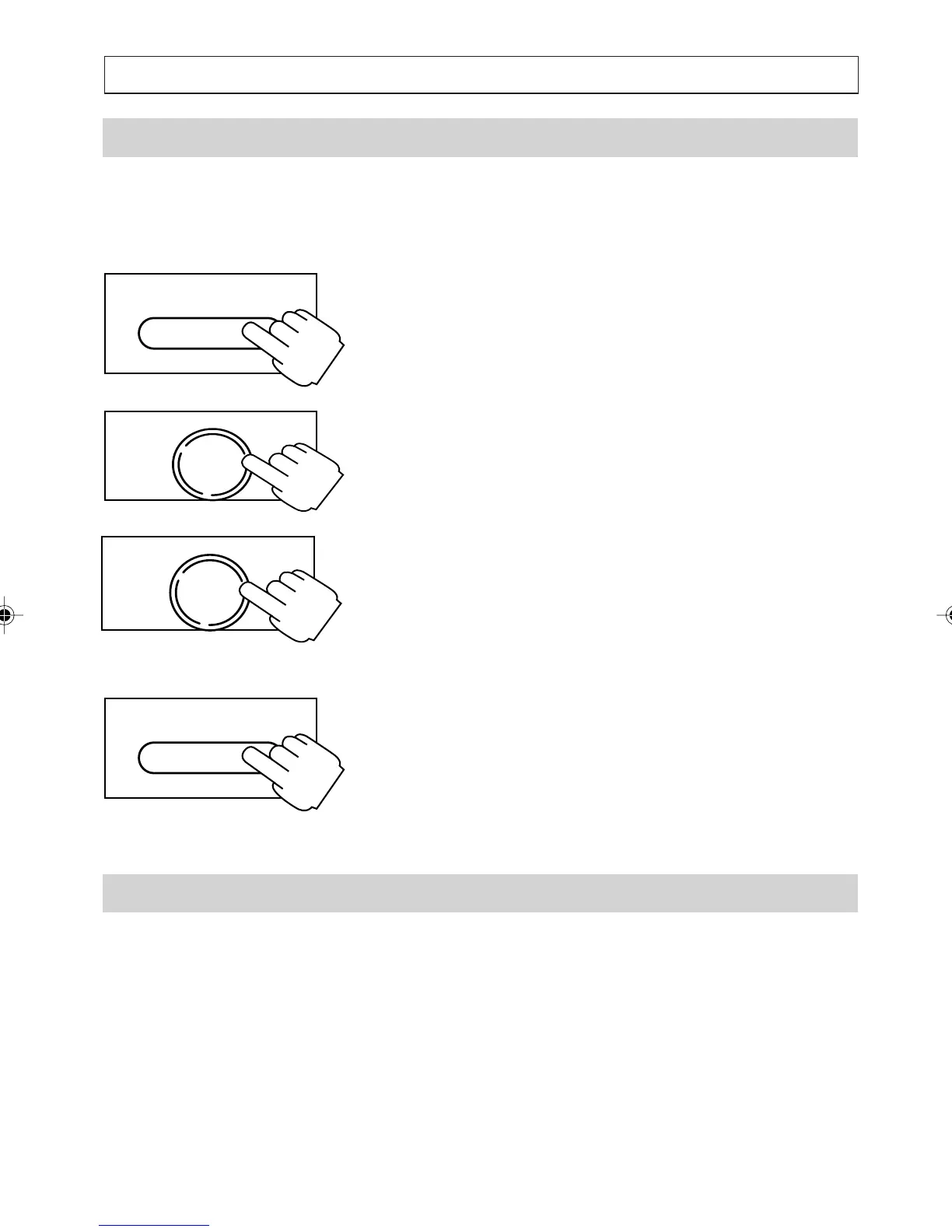
1. Press and hold [SERV/MENU] for 2 seconds
to enter the Settings Menu.
2. Press [
] to scroll to the SET RING
VOLUME option, then press [OK].
3. Press [
] or [] to scroll to the volume level
desired (HIGH, MEDIUM, LOW or OFF )
then press [OK].
4. Press [SERV/MENU] to exit the Settings
menu.
Dialling or Redialling Numbers
You can also make calls by redialling the last
number called or by dialling from the Directory,
Callers List, Quick-Dial memories or notepad.
TELEPHONE OPERATION
SERV/MENU
SERV/MENU
OK
DIAL
OK
DIAL
a200ug.p65 3/7/01, 11:08 AM15



 To Next Page