16
TELEPHONE OPERATION
Redialling
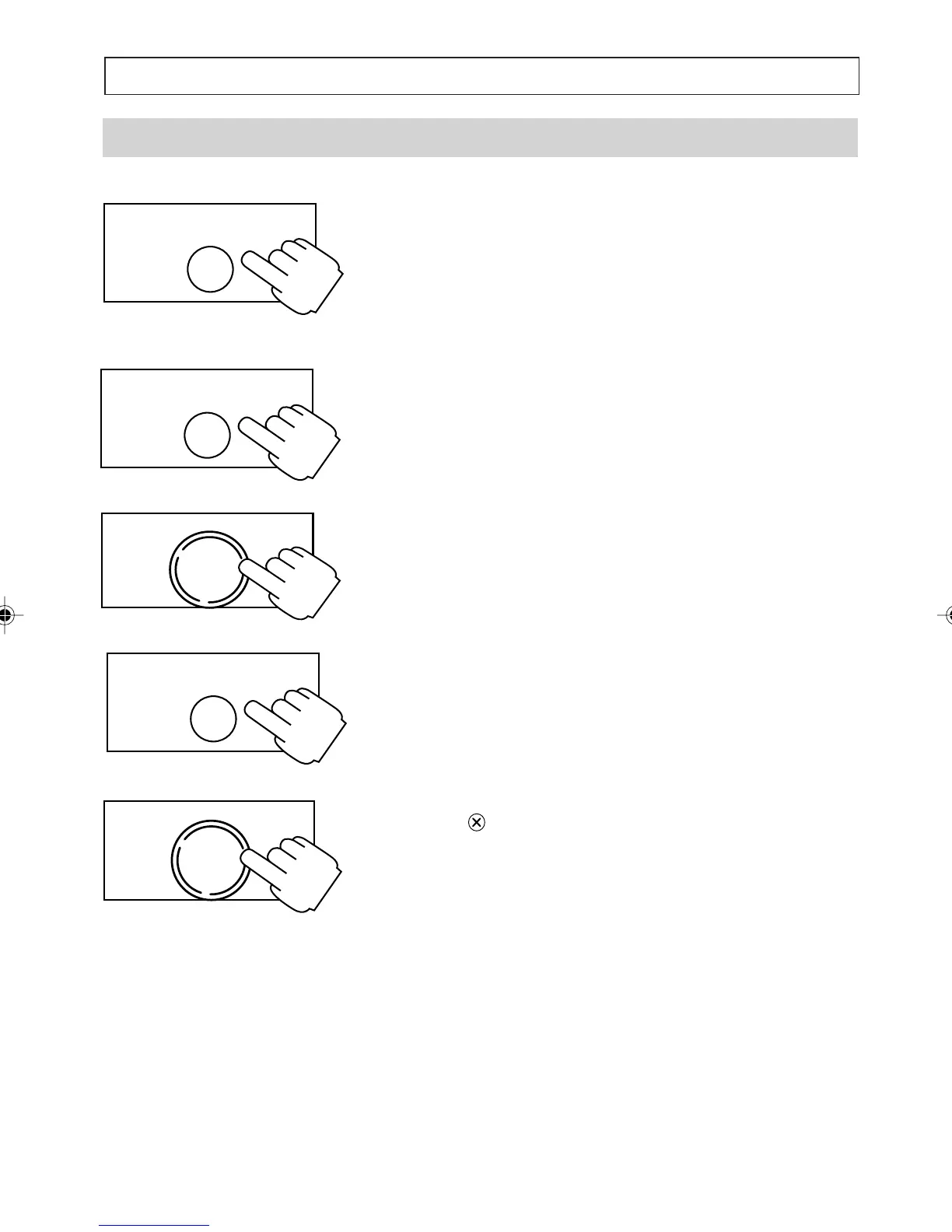
To Redial the Last Number Dialled
1. Lift the handset then press [REDIAL].
The telephone displays the last number dialled and
redials it.
To View the Number Before Redialling
1. Press [REDIAL] to display the number
2. Modify the number if you want to (see How to
Enter a Number.)
3. Press [OK] to dial handsfree or lift the handset
and then press [OK] to dial.
To Clear the Redial Number From Memory
1. Press [REDIAL] to display the number
2. Press
to delete, then [OK] to confirm.
Note:
You cannot clear the redial number from the
memory during a call.
OK
DIAL
REDIAL
PAUSE
REDIAL
PAUSE
OK
DIAL
REDIAL
PAUSE
a200ug.p65 3/7/01, 11:08 AM16



 To Next Page