18
TELEPHONE OPERATION
3. Adjust the number as appropriate.
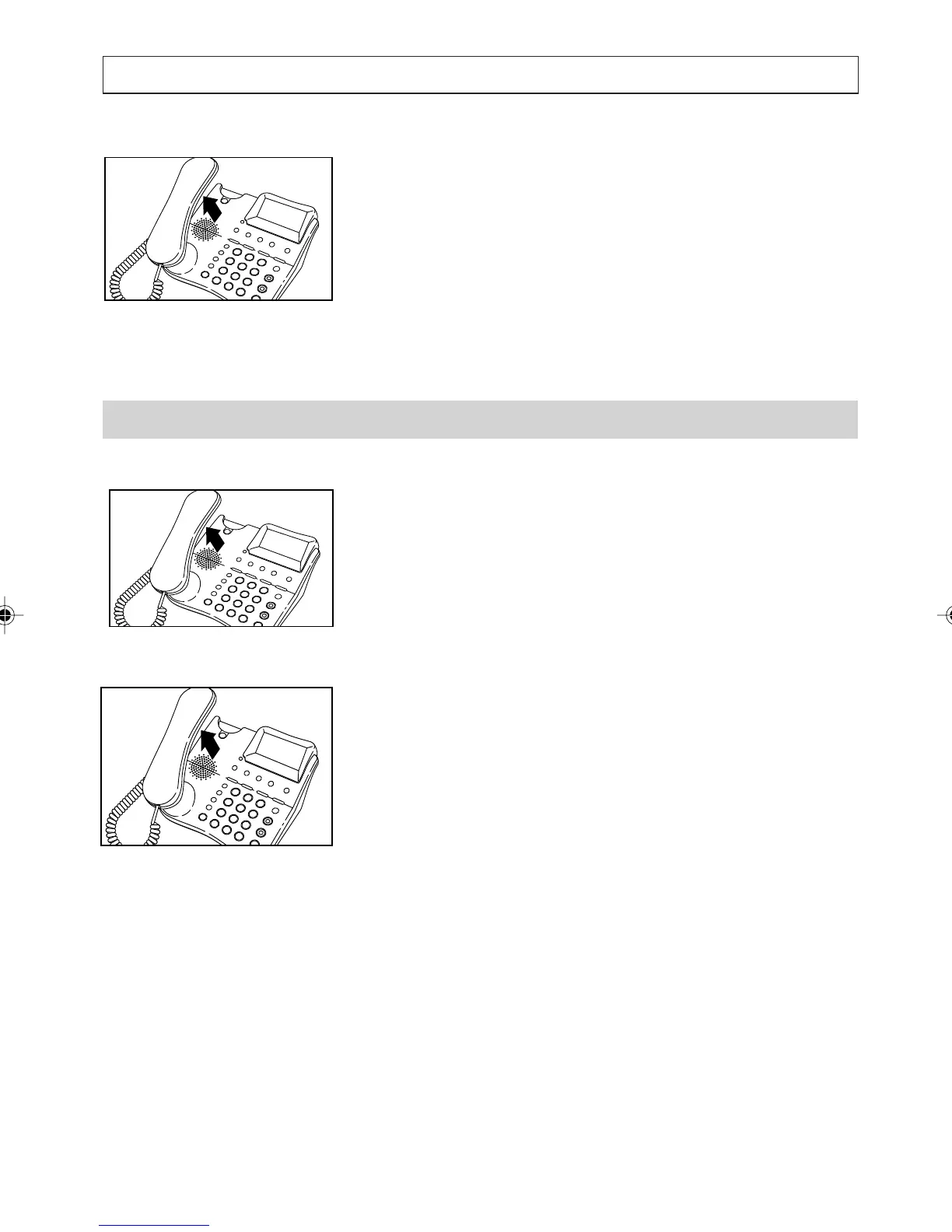
4. Press [OK] to dial in handsfree or lift the
handset and then press [OK] to dial.
The telephone dials the number and exits from
the Callers List.
Note:
If you do not have the Calling Number Display
Service , the Callers List will always be empty.
Dialling From Quick-Dial Memories
To dial directly:
1. Lift the handset, then press [M1], [M2],
[M3],or [M4].
The telephone displays and dials the number
assigned to the key you press.
To view the number before dialling:
1. Press [M1], [M2], [M3] or [M4]
2. Press [OK] to dial in handsfree or lift the
handset and then press [OK] to dial.
a200ug.p65 3/7/01, 11:09 AM18



 To Next Page