19
TELEPHONE OPERATION
ENTER
NOTEPAD
The Notepad
The notepad facility allows you to enter and store a
number during a call. This may be useful when in
a hurry, in an emergency situation, or when there is
no pen or paper to hand. After you end the call
you can retrieve the number from the notepad and
dial it or move it to the Directory or a Quick-Dial
memory.
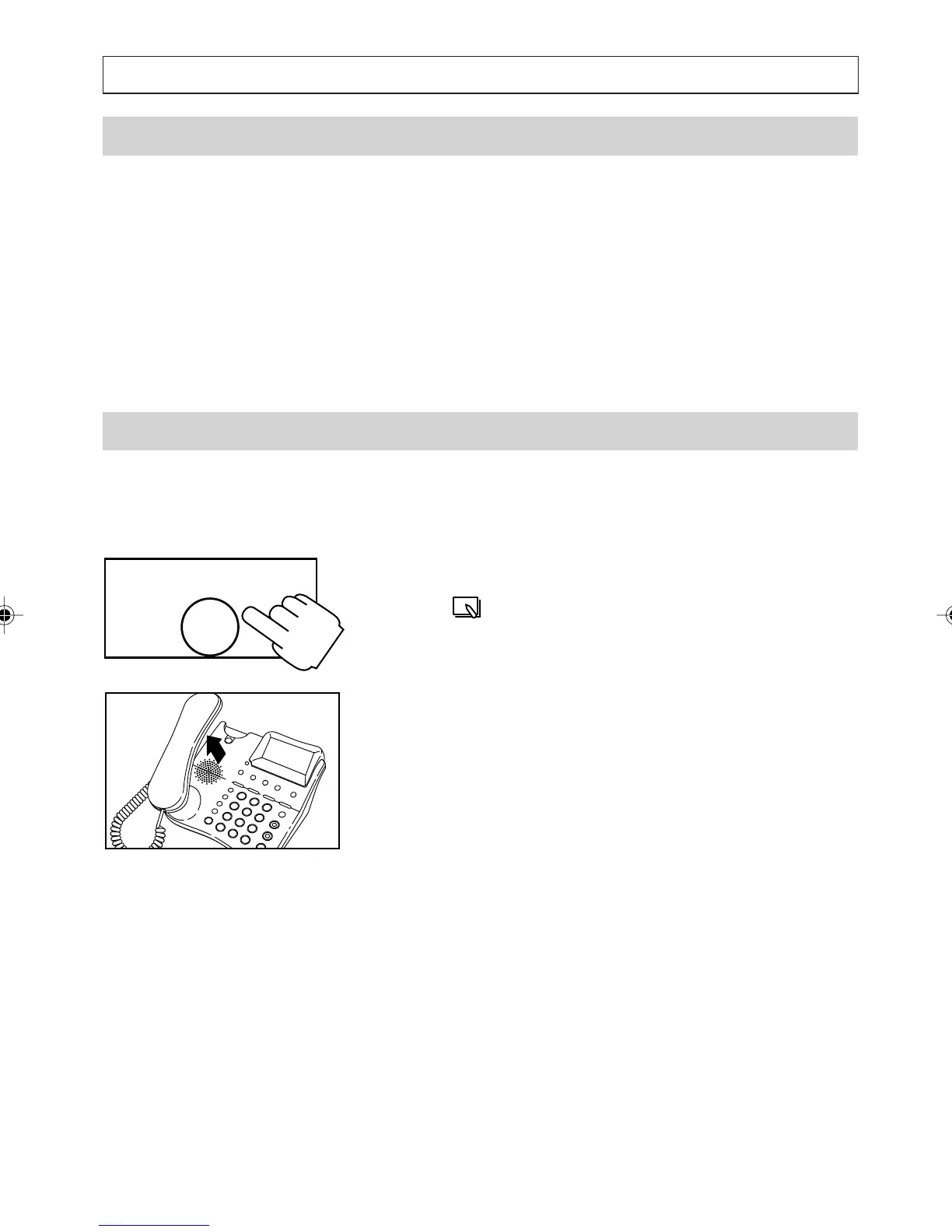
Dialling From the Notepad
The notepad facility allows you to enter and store a
number while on a call and then dial the number
after your call.
1. Press [NOTEPAD]
The symbol appears and the number in the
notepad is displayed.
2. Modify the number if you need to.
3. Press [OK] to dial in handsfree or lift the
handset and then press [OK] to dial.
a200ug.p65 3/7/01, 11:09 AM19



 To Next Page