20
TELEPHONE OPERATION
Writing to Notepad
During a call you can enter and store a number in
the notepad memory.
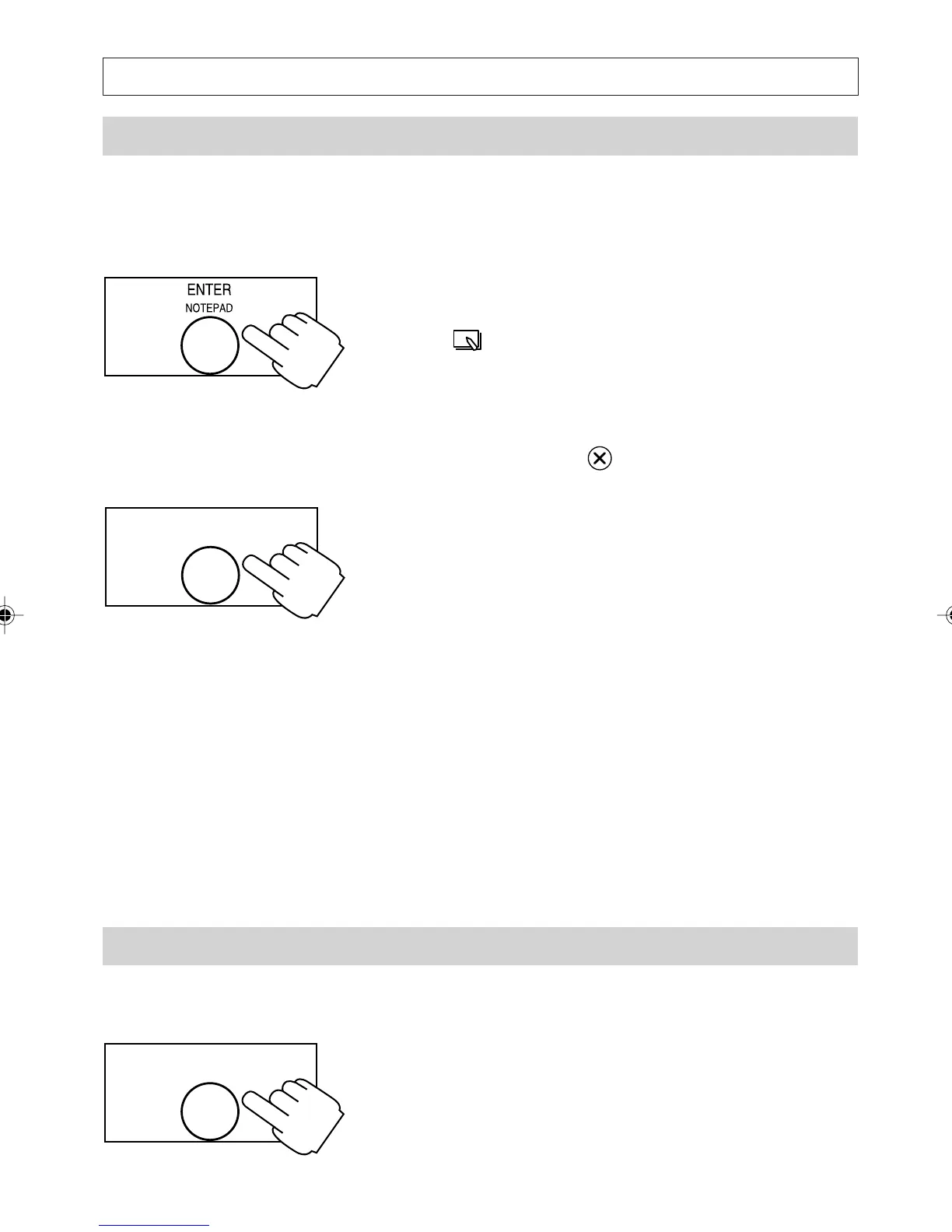
1. During a call (and when not viewing the
Directory or other lists) press [NOTEPAD].
The symbol appears and the display shows
the number currently in the notepad or the
message NOTE EMPTY if there is no
number.
2. Press and hold the key to clear the current
number (if any).
3. Enter a number then press [NOTEPAD].
The number is saved and you exit automatically
from the notepad. If you exit the notepad or
terminate the call before completing your
number then whatever is on the screen is
automatically saved.
After you end your call, you can retrieve the
number from the notepad and dial it, or move it
to the Directory or Quick Dial memory.
Note:
The notepad content is lost if power is removed
from the telephone.
Moving a notepad entry
You can transfer and save the contents of your
notepad to the Directory or any of the Quick-Dial
memories.
1. Press [NOTEPAD]
ENTER
NOTEPAD
ENTER
NOTEPAD
a200ug.p65 3/7/01, 11:09 AM20



 To Next Page