21
TELEPHONE OPERATION
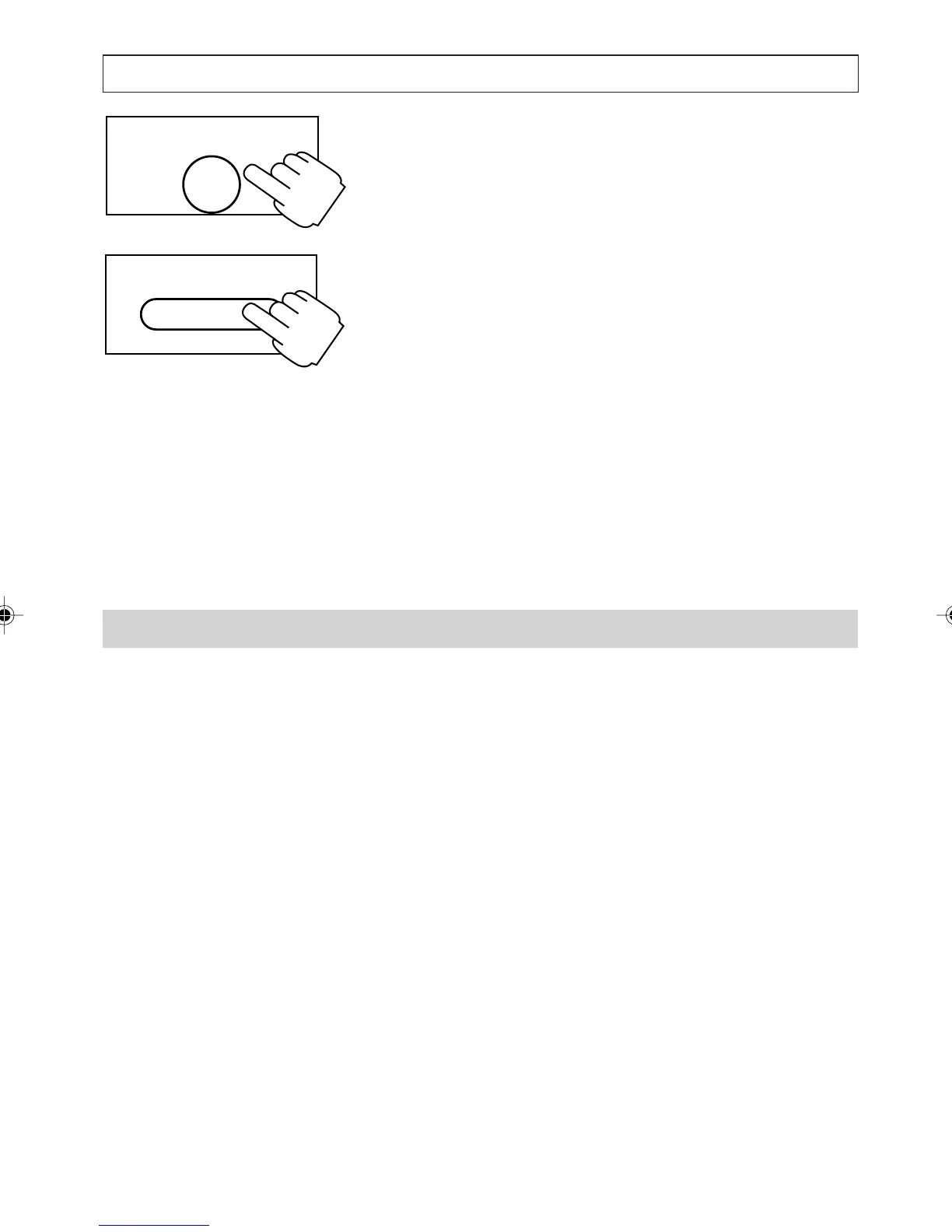
2. Press [NOTEPAD] again and hold it for 2
seconds.
3. Press [DIRECTORY], [M1], [M2], [M3] or
[M4].
If the chosen destination is full the move
request is cancelled. Choose another
destination or exit the Notepad and delete any
unwanted entries from the destination list.
4. Modify the name and number (if necessary)
and assign a melody.
The notepad number is saved in the specified
destination and the notepad is cleared. The
display automatically exits from the notepad.
During a Call, You Can ...
Mute and unmute the microphone
Write a number to the notepad
View the Directory, Quick Dial memories,
Callers List and Screening List
Switch to and from listen-in mode
Switch to and from handsfree mode
Answer a second call
ENTER
NOTEPAD
DIRECTORY
a200ug.p65 3/7/01, 11:09 AM21



 To Next Page