22
TELEPHONE OPERATION
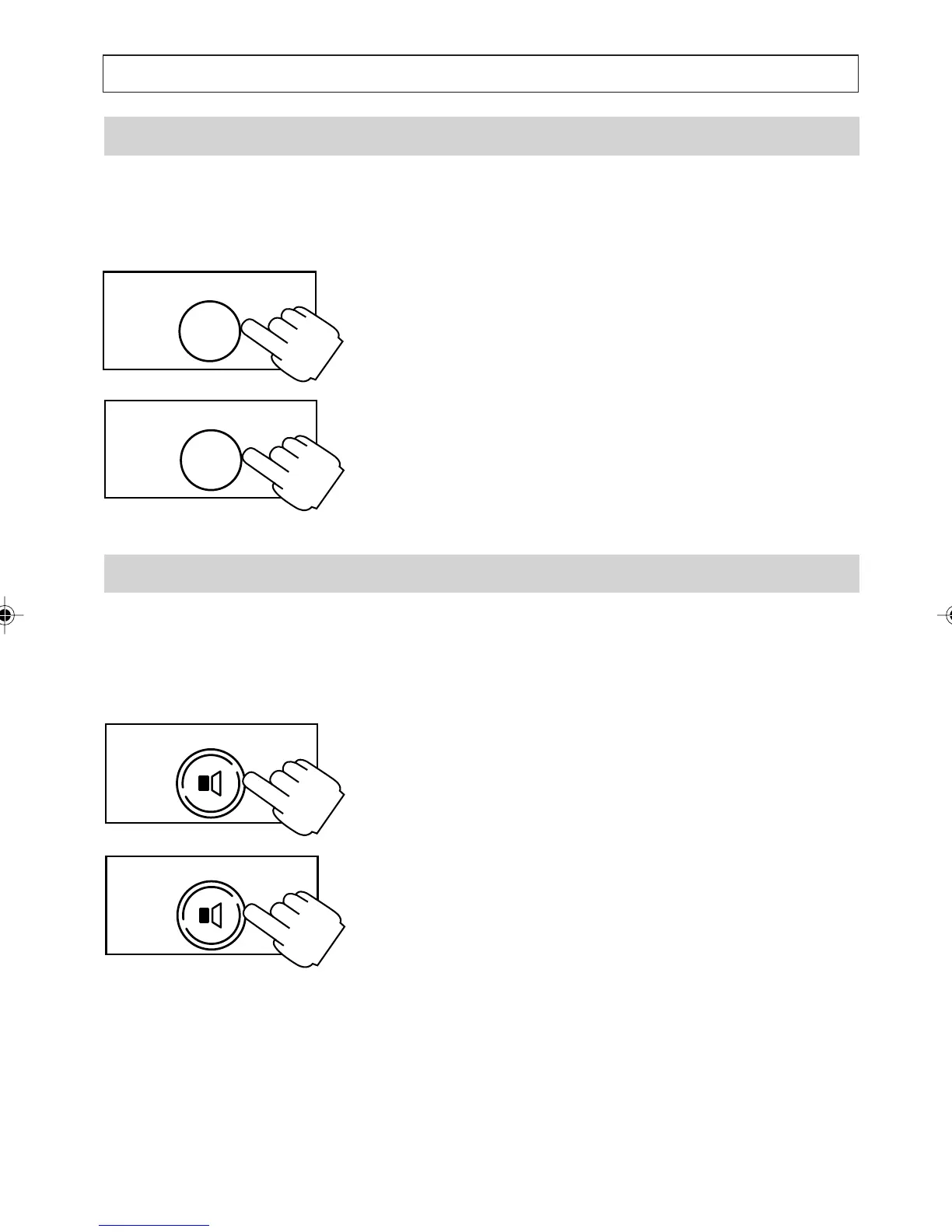
Muting a Call
During a call you can switch off the microphone so
that the person on the telephone cannot hear you.
However, you can still hear them.
1. During a call, press [MUTE]
The microphone is muted and the HANDSET
MUTED symbols flashes.
2. To unmute the microphone, press [MUTE]
again.
Switching to and From Listen-in Mode
During a call you can activate the Speakerphone so
that those around you can hear the person you are
talking to. The person can only hear whoever talks
through the handset.
1. Press [SPEAKER] to activate the
Speakerphone. During a call the speaker
volume can be adjusted by turning the rotary
wheel on the right hand side of the telephone.
2. To switch off the speaker press [SPEAKER]
again.
MUTE
MUTE
SPEAKER
SPEAKER
a200ug.p65 3/7/01, 11:09 AM22



 To Next Page