23
Switching to and From Handsfree Mode
During a call you can switch from using the
handset to using the speaker (and vice versa)
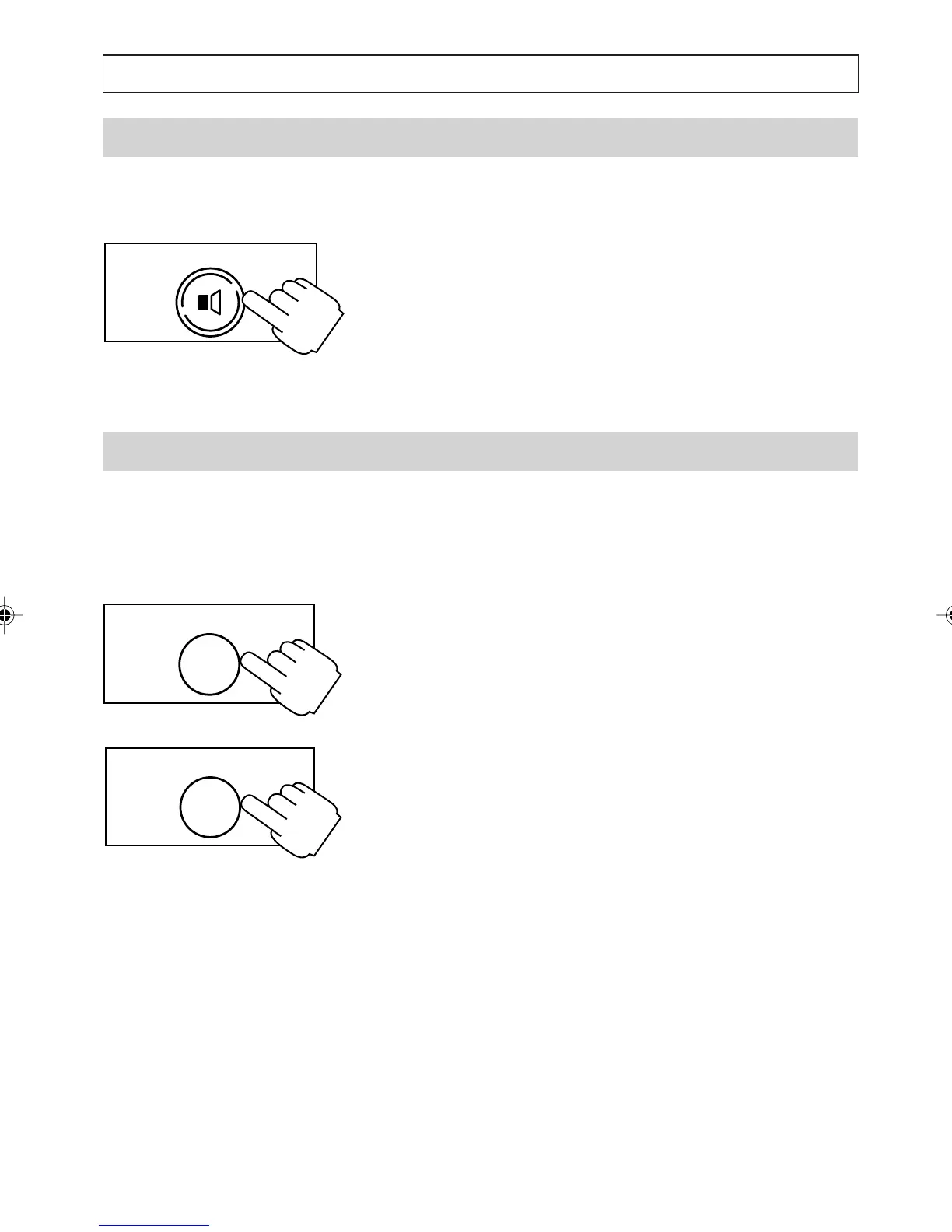
1. To switch to handsfree mode press and hold
[SPEAKER] while replacing the handset.
2. To switch back to the handset mode simply lift
the handset.
Answering Call Waiting
If you are already on the line and you hear the call
wait beeps, you can speak to the second caller using
the Call Wait button.
1. To answer a second call press the [CALL
WAIT] key. The first caller is put on hold.
2. To switch from one call to the other, press
[CALL WAIT] key again.
Note:
In future when Calling Number Display on Call
Waiting is available, the Access 200 will display the
telephone number of the second caller. If you
ignore the Call Waiting, the telephone number will
be stored in the Caller's List.
TELEPHONE OPERATION
SPEAKER
CALL WAIT
CALL WAIT
a200ug.p65 3/7/01, 11:09 AM23



 To Next Page