24
Handsfree Operation
The Handsfree feature of your telephone enables
you to make and answer calls while remaining free
for other activities.
To make a call:
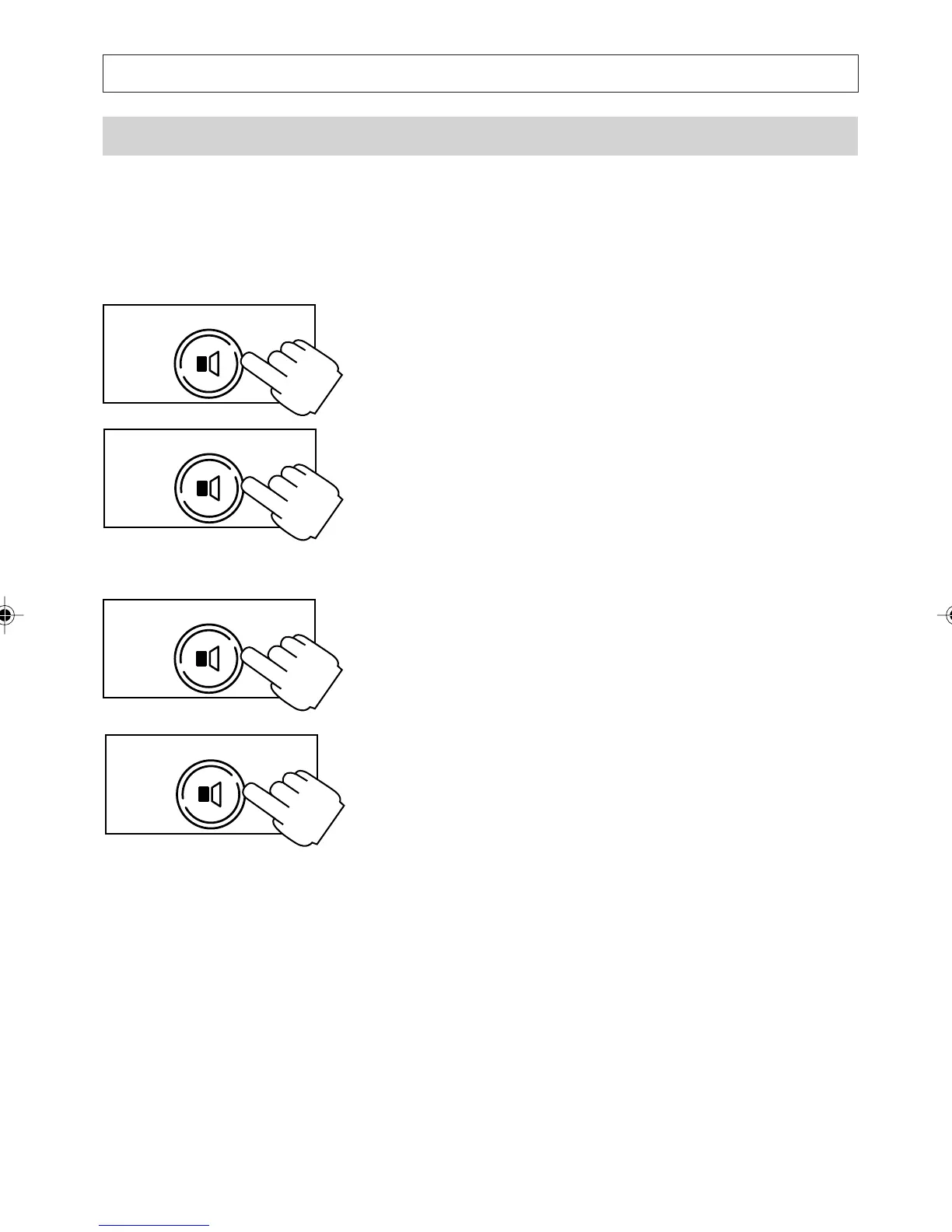
1. Either press [SPEAKER] then dial the
telephone number or predial the telephone
number and then press [OK].
2. To end the call press [SPEAKER].
To answer a call:
1. Press [SPEAKER] then speak.
2. To end the call press [SPEAKER].
To adjust the handsfree speaker volume:
During a call turn the rotary wheel on the right
hand side of the telephone to increase or decrease
the handsfree speaker volume.
SPEAKER
SPEAKER
SPEAKER
SPEAKER
TELEPHONE OPERATION
a200ug.p65 3/7/01, 11:09 AM24



 To Next Page