25
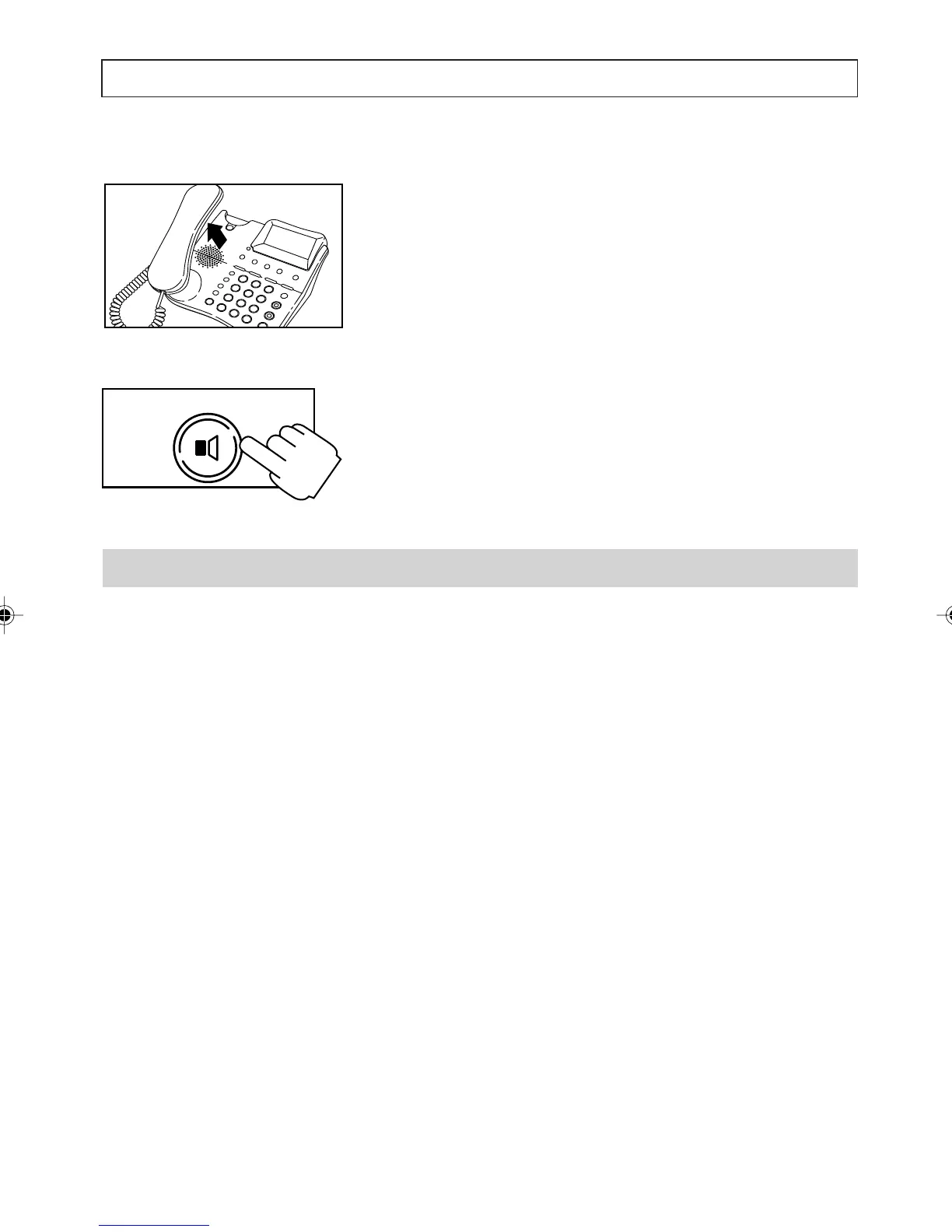
To switch to and from handset mode:
1. To switch to handset mode, simply lift the
handset.
2. To switch back to handsfree mode press and
hold [SPEAKER] while replacing the handset.
Extension in Use
If someone is using a parallel telephone the display
shows the message EXTENSION IN USE and
the New Calls Indicator is switched on.
Note:
The message EXTENSION IN USE is also
displayed if your telephone is not plugged into the
telephone line socket.
SPEAKER
TELEPHONE OPERATION
a200ug.p65 3/7/01, 11:09 AM25



 To Next Page