28
Setting Ring Volume:
To set the volume level for the ringer.
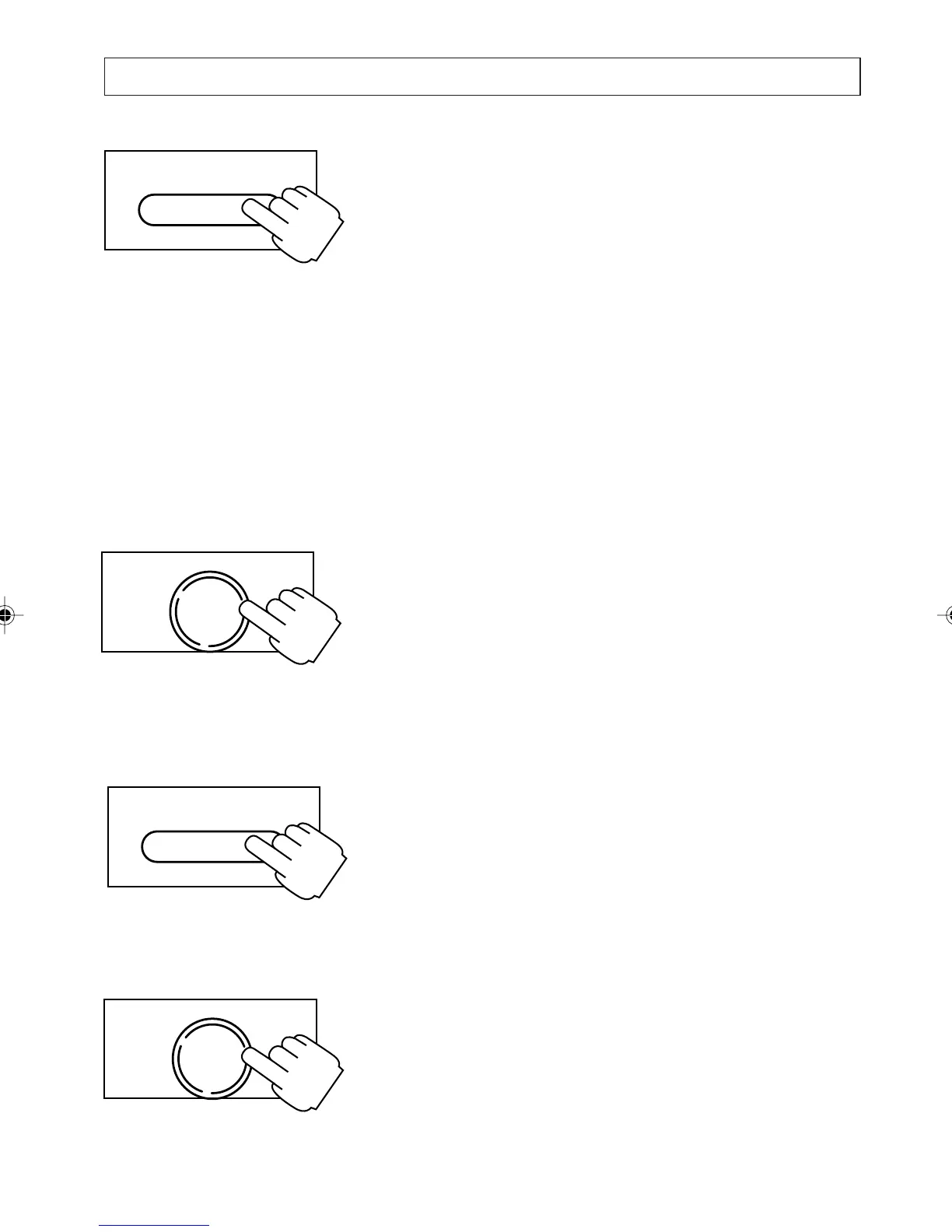
Press and hold the [SERV/MENU] key down for
2 seconds until:
SETTINGS
DATE AND TIME, press [
] key to select next
item.
SETTINGS
SET RING VOLUME
appears on the display. Press [
] and [] keys
to choose the ring volume. Choose between
HIGH, MEDIUM (Default) LOW or OFF.
The telephone gives a sample ring as you scroll
through each setting.
Press [OK] when all changes have been
completed.
Setting Call Timer:
To switch the call timer to option ON or OFF.
When ON (default) the call timer is activated and
displayed with every incoming and outgoing call.
Press and hold the [SERV/MENU] key down for 2
seconds until:
SETTINGS
DATE AND TIME, press [
] key to select next
item.
SETTINGS
SET CALL TIMER
appears on the display. Press [
] and [] keys
to choose the setting required. Choose between
ON or OFF. Press [OK] when all changes have
been completed.
PERSONALISING YOUR PHONE
SERV/MENU
OK
DIAL
SERV/MENU
OK
DIAL
a200ug.p65 3/7/01, 11:10 AM28



 To Next Page