29
Clearing Message Waiting Indicator:
If the * symbol is displayed when there are not any
messages in your voice mail mailbox, use this menu
to option as CLR MESSAGE ICON to clear it
from the screen.
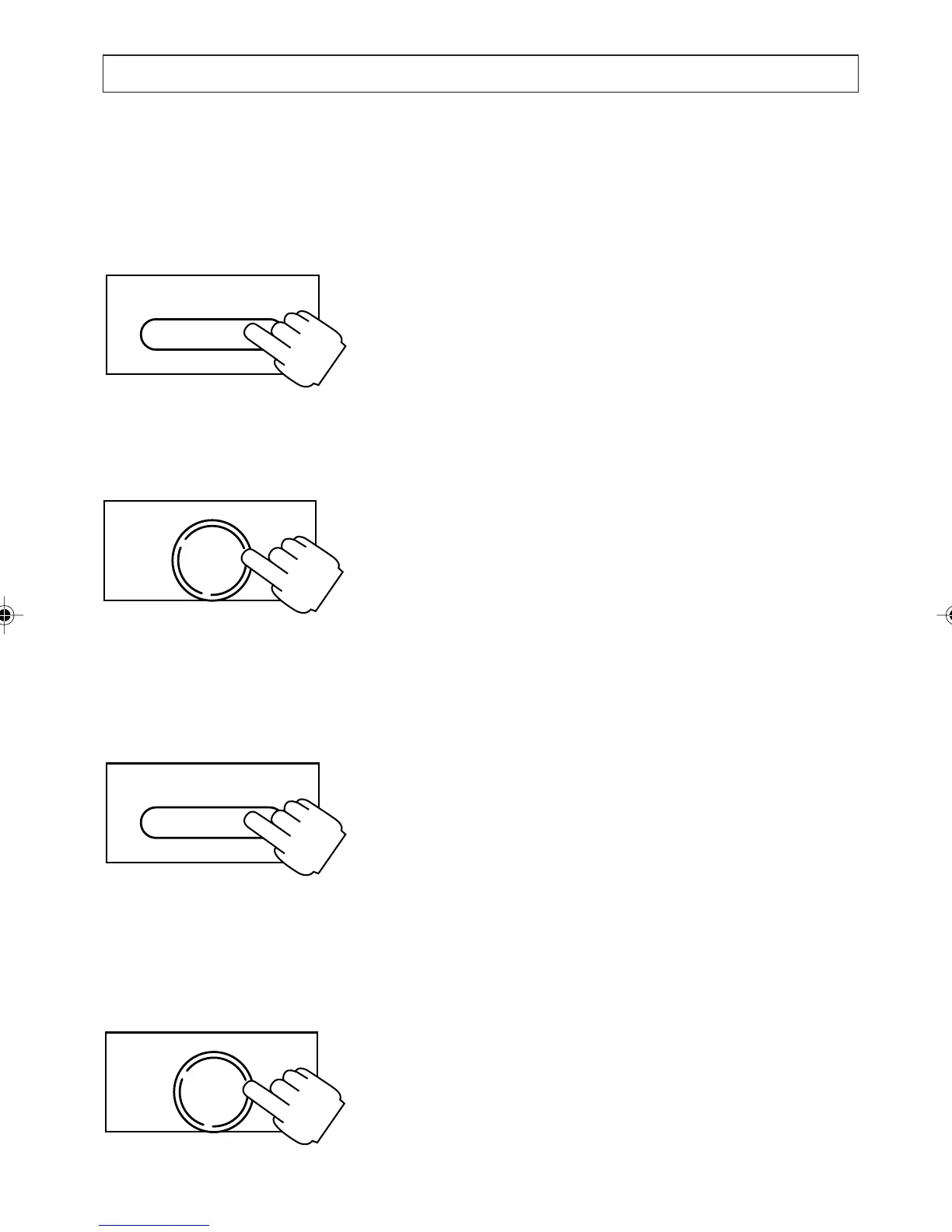
Press and hold the [SERV/MENU] key down for 2
seconds until:
SETTINGS
DATE AND TIME, press [
] key to select next
item until:
SETTINGS
CLR MESSAGE ICON
appears on the display. Press [OK] to clear the
icon.
Setting Call List Mode:
To set the Callers List to Log ALL CALLS or
only UNANSWERED CALLS. The default is
ALL CALLS.
Press and hold the [SERV/MENU] key down for 2
seconds until:
SETTINGS
DATE AND TIME, press [
] key to select next
item until:
SETTINGS
CALL LIST MODE
appears on the display. Press [
] and [] keys
to choose from the settings ALL CALLS or
UNANSWERED. Press [OK] when all changes
are completed.
OK
DIAL
SERV/MENU
SERV/MENU
OK
DIAL
PERSONALISING YOUR PHONE
a200ug.p65 3/7/01, 11:10 AM29



 To Next Page