30
Setting Call List Memory:
Sets the Callers List to log either names and
numbers or number only. The default is Name
and Number and sets the maximum number of
entries to 25. The selection of NUMBER ONLY
automatically sets the maximum number of entries
to 50.
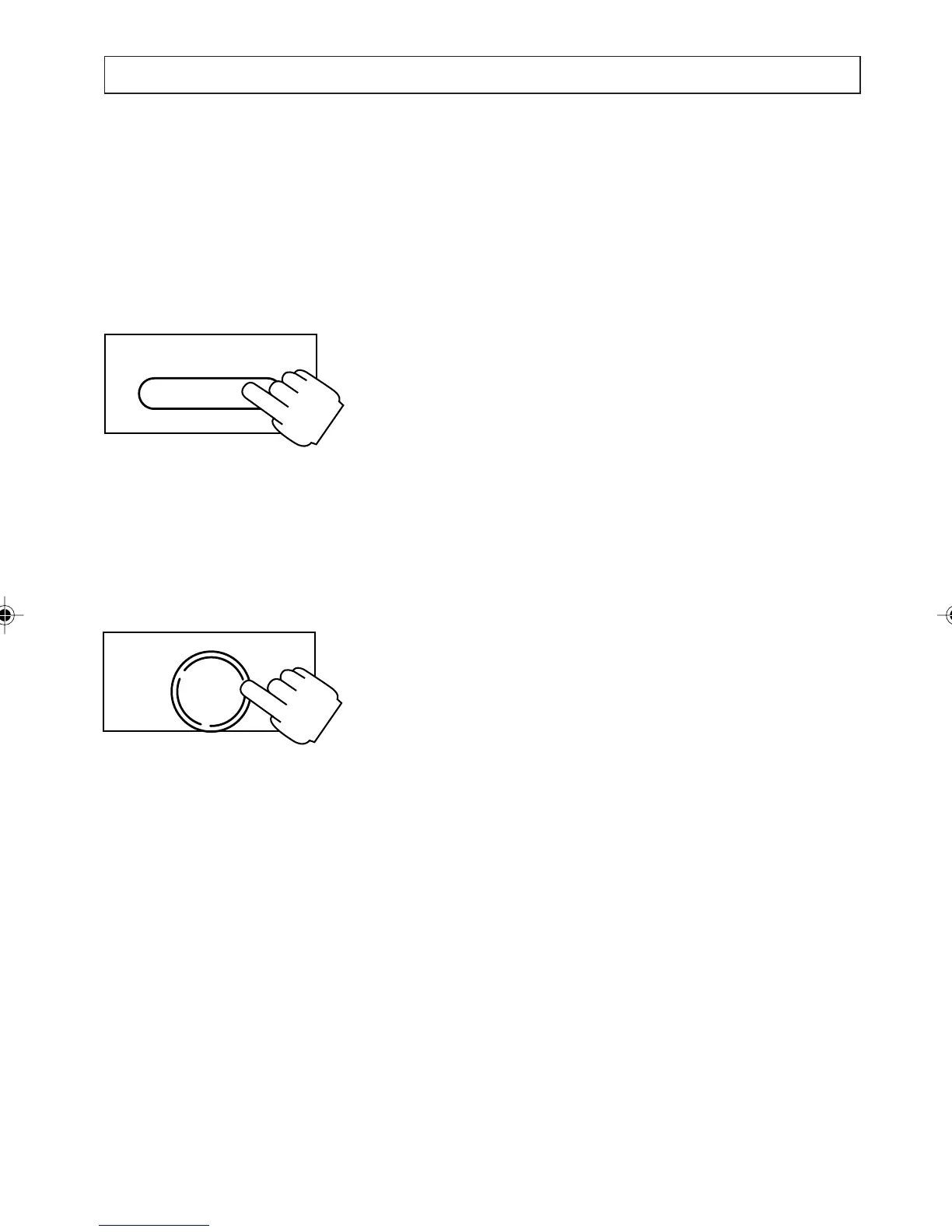
Press and hold the [SERV/MENU] key down for 2
seconds until:
SETTINGS
DATE AND TIME, press [t] key to select next
item until:
SETTINGS
CALL LIST MEMORY
appears on the display. Press [t] and [s] keys to
choose the setting required. Choose between
NAME AND NUMBER or NUMBER ONLY.
Press [OK] when all changes are completed
Note:
If you change the current setting , all the entries
currently in the Caller List are deleted.
Setting Error Beep:
Switches the beep function ON (default) or OFF.
When this function is ON, a short beep sounds if
you press a key that cannot be used in certain
situations.
The error beep will only work if the handset is on
the hook.
OK
DIAL
SERV/MENU
PERSONALISING YOUR PHONE
a200ug.p65 3/7/01, 11:10 AM30



 To Next Page