31
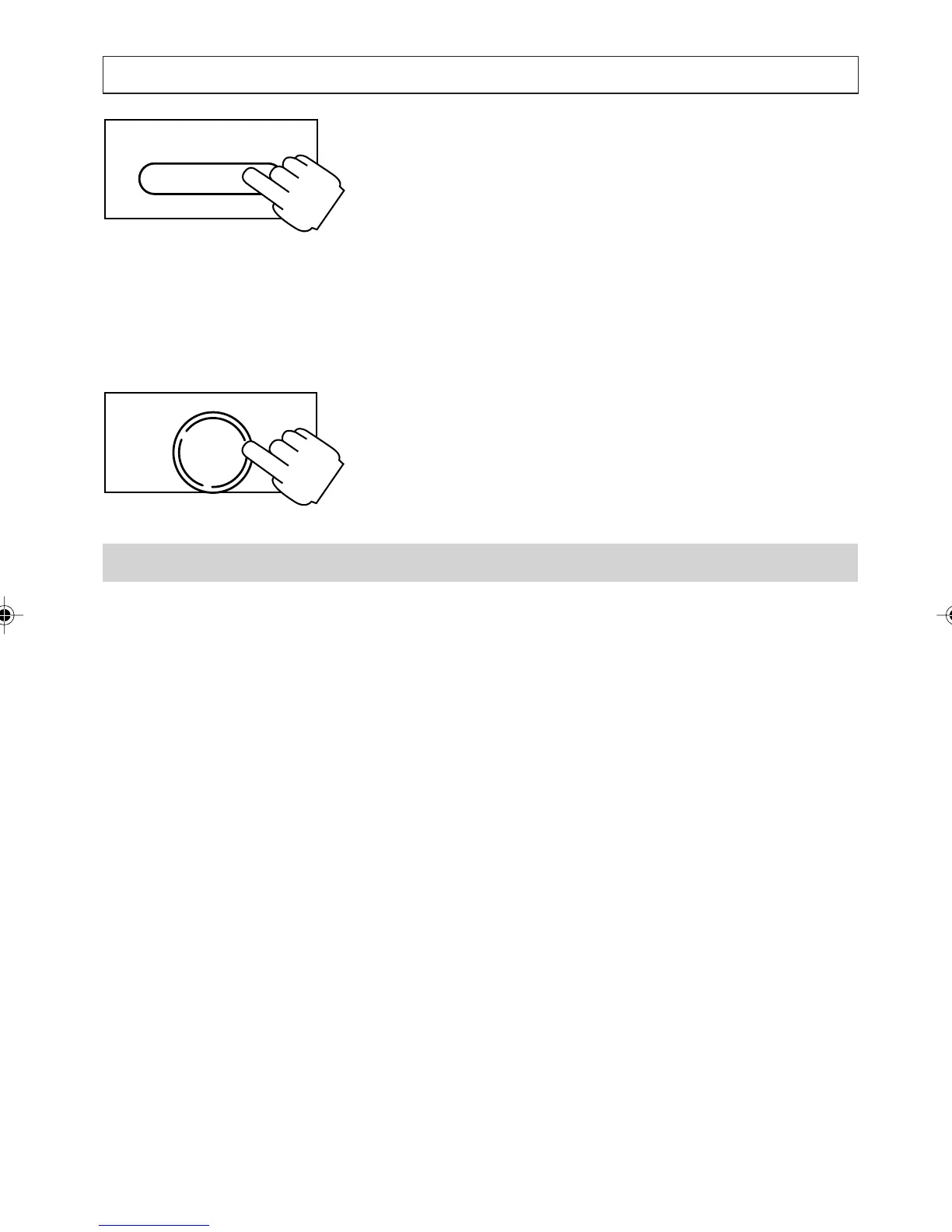
Press and hold the [SERV/MENU] key down for 2
seconds until:
SETTINGS
DATE AND TIME, press [
] key to select next
item until:
SETTINGS
SET ERROR BEEP
appears on the display. Press [
] and [] keys
to choose the setting required. Choose between
ON or OFF. Press [OK] when all changes are
completed.
Caller-Name Match
This is an automatic feature that personalises the
Calling Number Display information received by
the telephone.
If the caller number matches an entry in the
Directory, the Screening List or a Quick Dial
memory, the telephone displays the stored name
instead of the name sent by the network, for
example, displayed as MUM.
SERV/MENU
OK
DIAL
PERSONALISING YOUR PHONE
a200ug.p65 3/7/01, 11:10 AM31



 To Next Page