33
STORING NAMES AND NUMBERS
RECALL
REDIAL
PAUSE
How to Enter a Number
To enter a number, use the keypad keys [0] through
[9] the [#] and [*] keys and the [PAUSE] and
[RECALL] keys.
Press [
] (PREV) to move the cursor left and
[
] (NEXT) to move the cursor right.
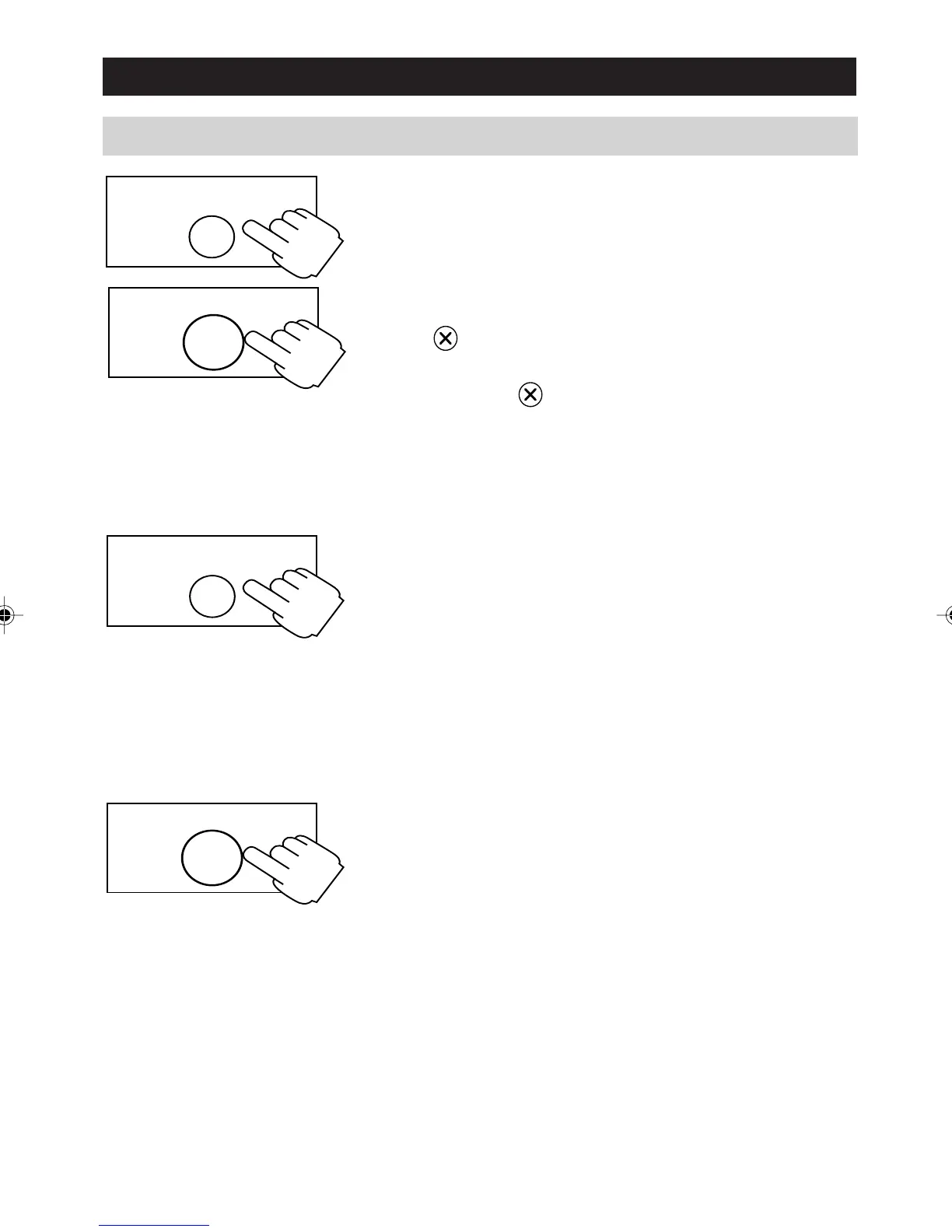
Press to delete the digit at the current cursor
position
Press and hold to clear all digits one by one.
To insert a digit, position the cursor to the
immediate right of the insertion point.
Pause Characters:
If your number ends with an external access code
(such as a voice mail password) then enter one or
more pause characters before the access code.
To obtain a pause character, press PAUSE (the
display shows P). The pause character generates a
pause of 2 seconds. If this not long enough then
insert additional pause characters.
Recall Characters:
If your number contains a Recall to activate a
network Easycall feature, then enter a [RECALL]
character before the Recall sequence. To obtain a
RECALL character press the [RECALL] key
( the display shows R).
REDIAL
PAUSE
RECALL
a200ug.p65 3/7/01, 11:10 AM33



 To Next Page