35
STORING NAMES AND NUMBERS
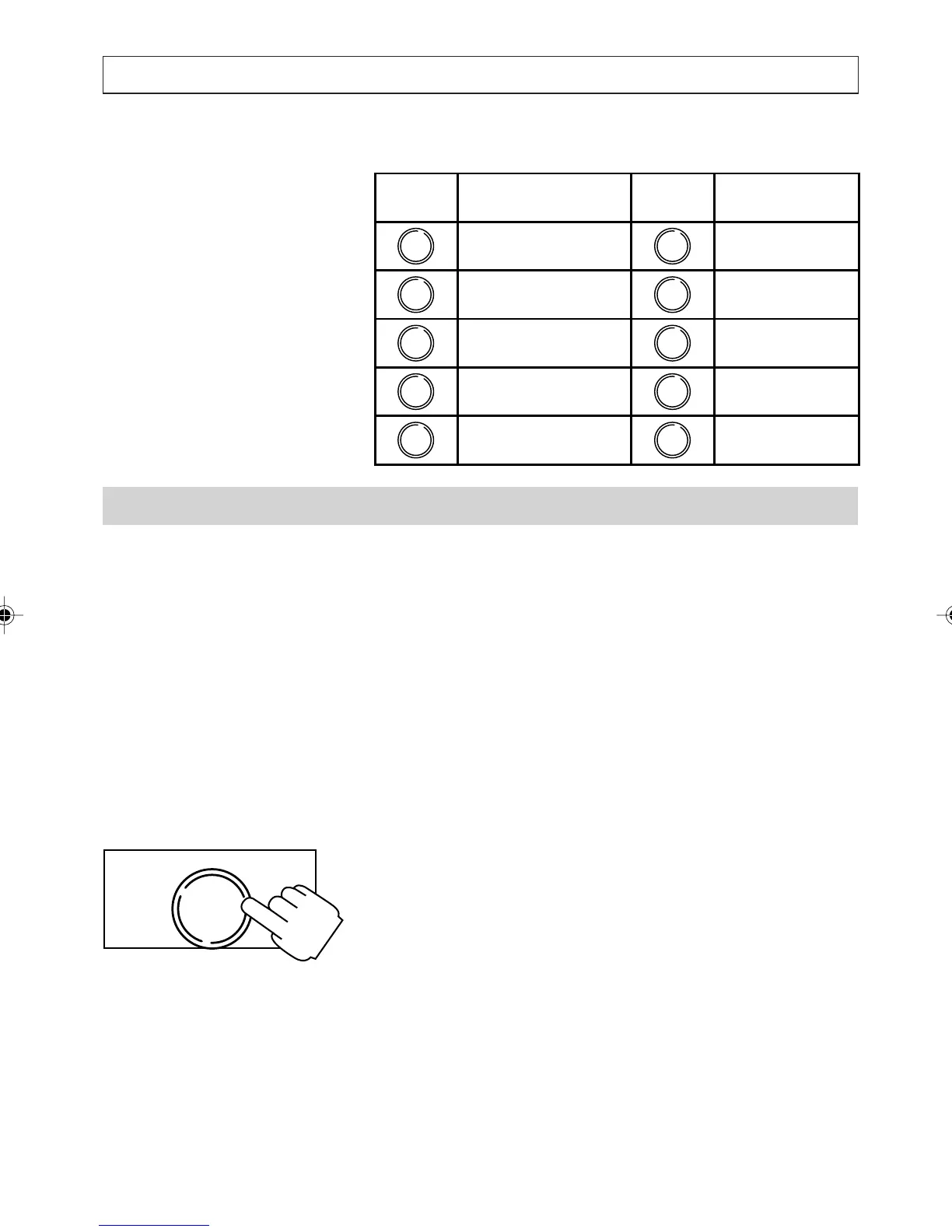
Keypad Character Table
How to Assign a Melody
After you add, modify or move a Number/Name
entry to the Directory or Quick Dial memories the
display shows the melody selection screen:
STANDARD RING: [*]
DISTINCT : [1] [2] [3]
The blinking character ( [*], [1], [2], [3] ) shows
the position of the cursor and also indicates which
melody is currently assigned to the Number/Name
entry. All new entries are automatically set to the
standard melody.
Use [
] and [] to move the cursor to the
desired melody then press [OK].
Alternatively:
Press [*] to select Standard then press [OK]
Press [1] to select Distinctive 1 then press [OK]
Press [2] to select Distinctive 2 then press [OK]
Press [3] to select Distinctive 3 then press [OK]
Characters Characters
space - ()&,.1 MNO6
ABC2 PQRS7
DEF3 TUV8
GHI4 WXYZ9
Key
JKL5
Key
0
,
1
2
3
4
5
6
7
8
9
0
OK
DIAL
a200ug.p65 3/7/01, 11:10 AM35



 To Next Page