38
DIRECTORY
STORING NAMES AND NUMBERS
Modifying a Directory Entry
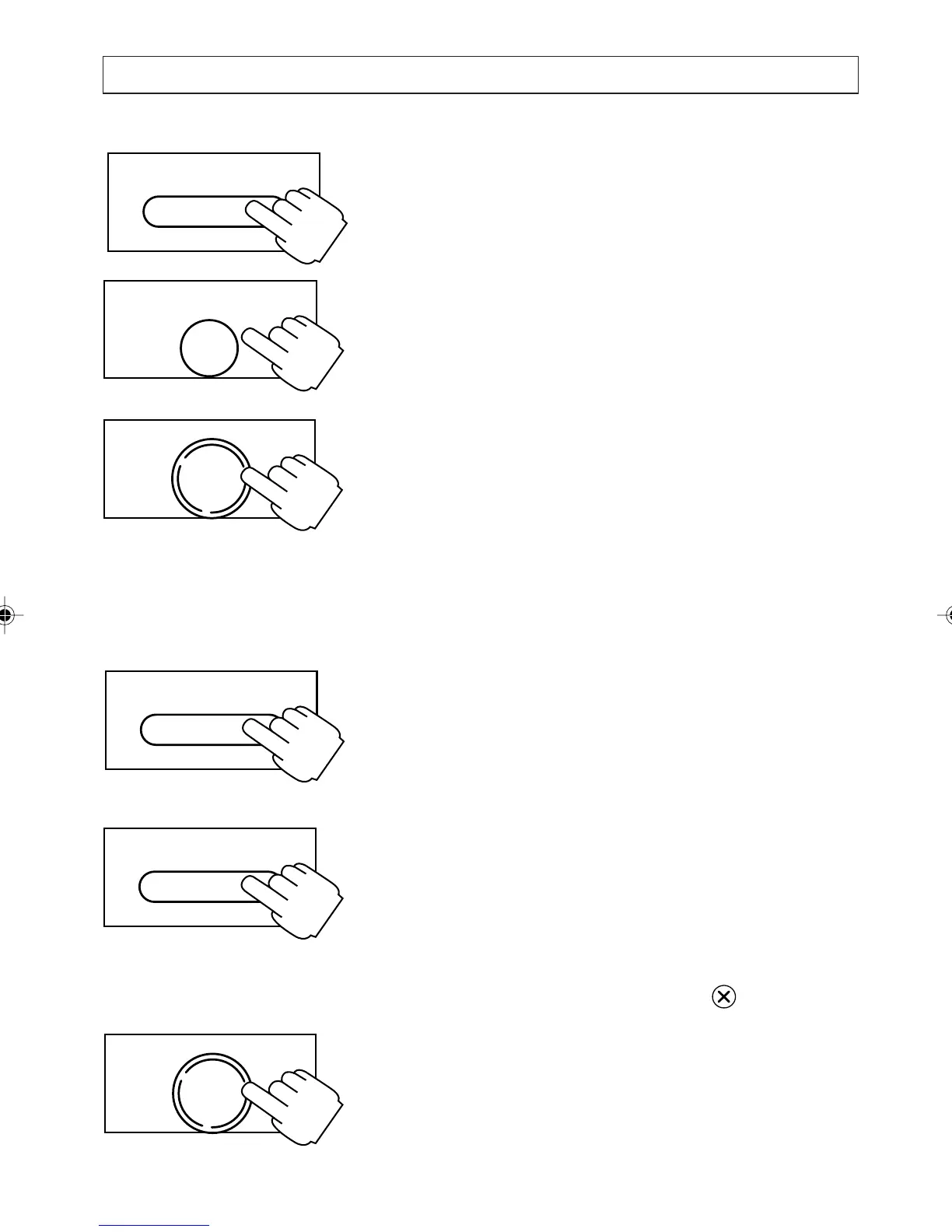
1. Press [DIRECTORY]
2. Press [
] to go to the desired entry
3. Press [ENTER]
4. Press [
] to scroll the MODIFY option the
press [OK]
5. Modify the number then press [OK]
6. Modify the name then press [OK]
7. Modify the melody setting then press [OK]
The modified entry is saved and the display
returns to the Directory at the entry just
modified.
8. Press [DIRECTORY] to exit the Directory, or
[ENTER] to repeat the process.
Deleting a Directory Entry:
1. Press [DIRECTORY]
2. Press [
] to go to the desired entry
3. Press and release the clear key .
4. Press [OK] to confirm the deletion, or press
any digit to cancel.
OK
DIAL
ENTER
NOTEPAD
DIRECTORY
DIRECTORY
OK
DIAL
a200ug.p65 3/7/01, 11:10 AM38



 To Next Page