39
STORING NAMES AND NUMBERS
Deleting all Directory Entries:
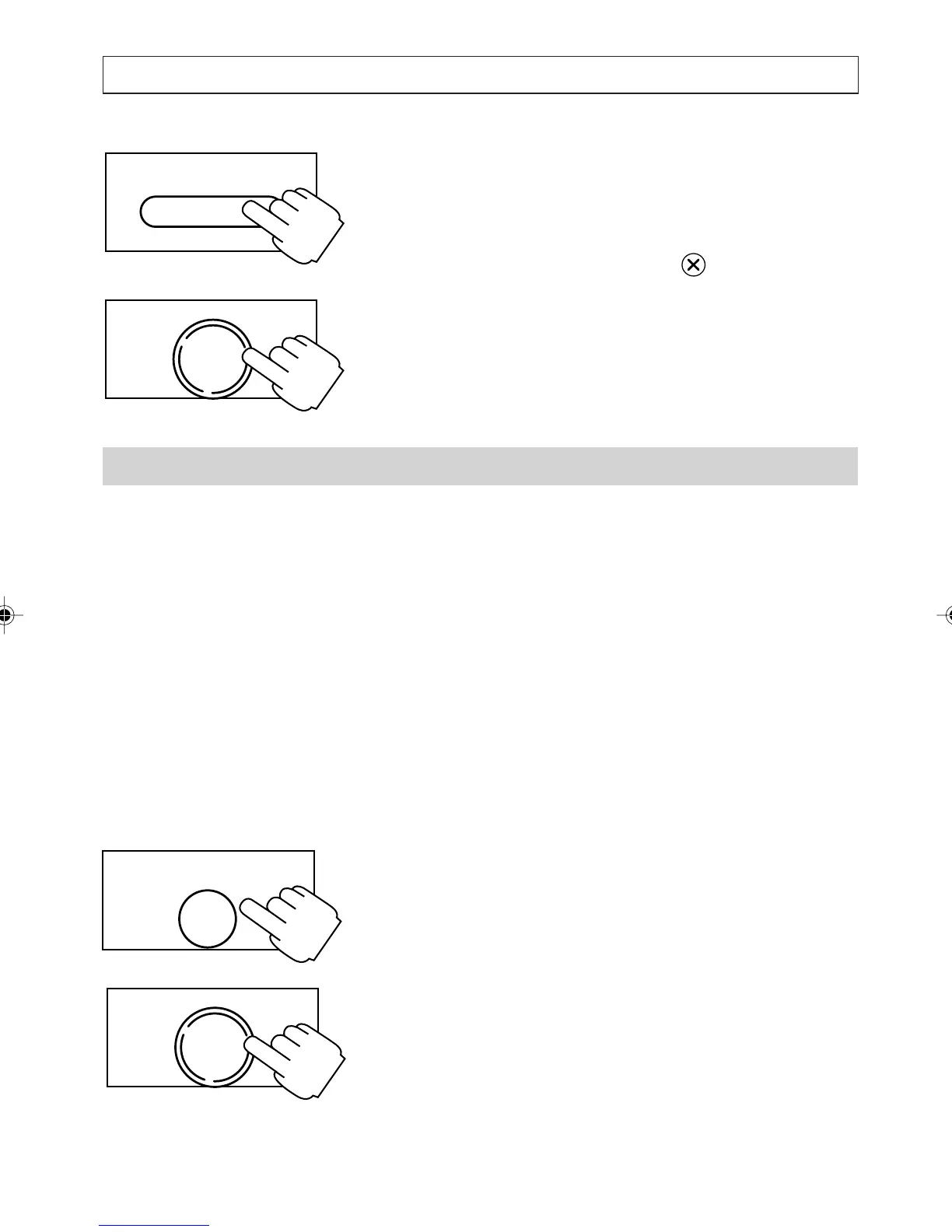
1. Press [DIRECTORY].
2. Press and hold the clear key for 2 seconds.
3. Press [OK] to confirm the deletion, or press
any digit to cancel.
The Quick-Dial Memories
Your telephone has 4 quick dial memories [M1],
[M2], [M3], and [M4] in which to store your most
frequently dialled numbers. Quick dial memories
can contain name and number or number only
entries.
The maximum length for a number is 16 digits and
the maximum length for a name is 16 characters.
Setting/Modifying Quick-Dial memory
1. Press [M1], [M2], [M3], or [M4].
2. Press [ENTER].
3. Enter/modify the number then press [OK].
4. Enter/modify the name then press [OK].
5. Enter/modify the melody setting then press
[OK].
ENTER
NOTEPAD
DIRECTORY
OK
DIAL
OK
DIAL
a200ug.p65 3/7/01, 11:10 AM39



 To Next Page