40
The entry is saved and assigned to the Quick-Dial
key selected.
6. Press the memory key [M1], [M2], [M3] or
[M4] to exit or press [OK] to dial the number.
Clearing a Quick Dial Memory
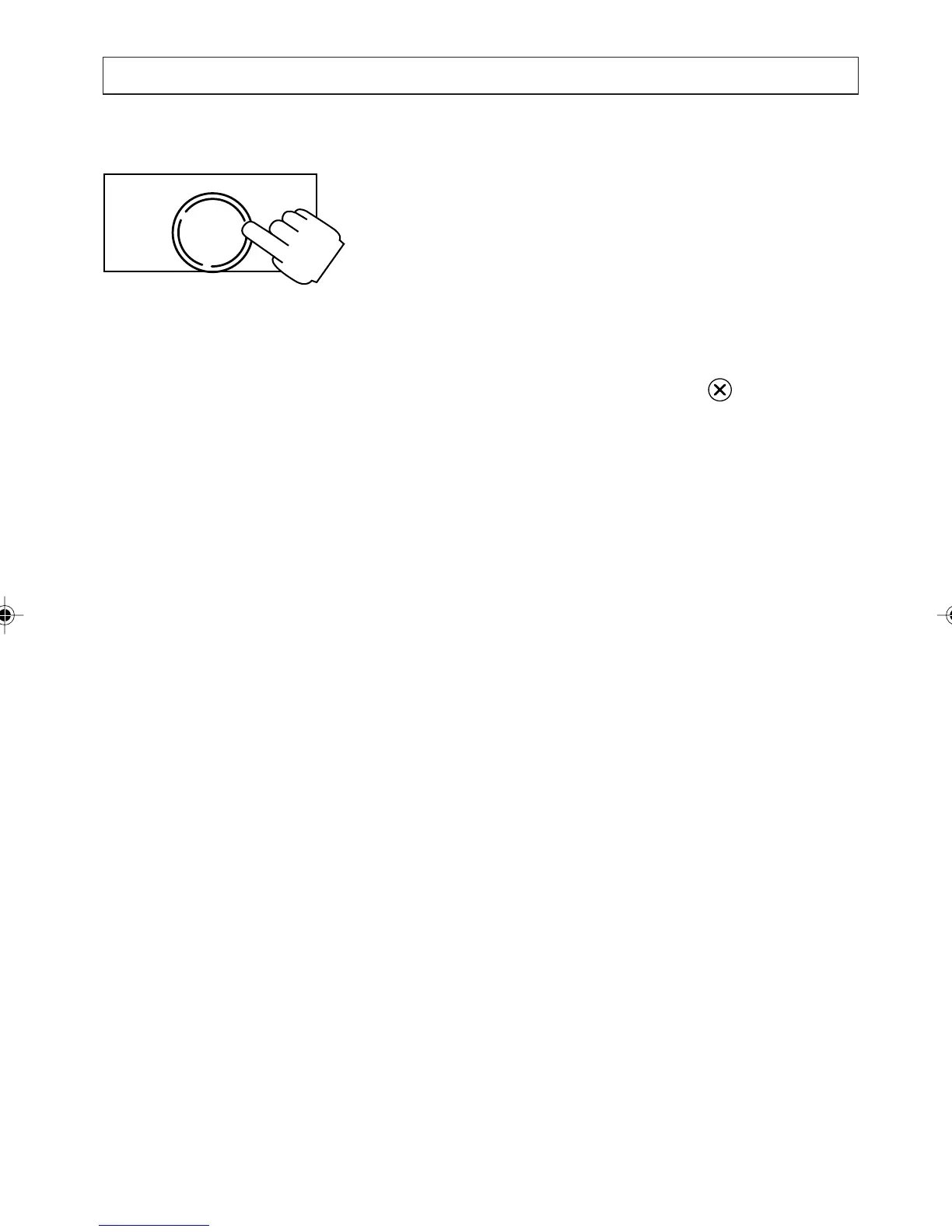
1 Press [M1], [M2], [M3], or [M4]
2. Press and release the clear key .
3. Press [OK] to confirm the deletion or press any
digit key to cancel.
OK
DIAL
STORING NAMES AND NUMBERS
a200ug.p65 3/7/01, 11:10 AM40



 To Next Page