44
USING CALLER DISPLAY
The Screening List can contain up to 5 name and
number or number only entries. You can either add
the entry manually or more likely transfer it directly
from the Callers List.
Adding to the Screening List:
To add an entry by transferring it from the Callers
List. If you want to add an entry manually proceed
as follows:
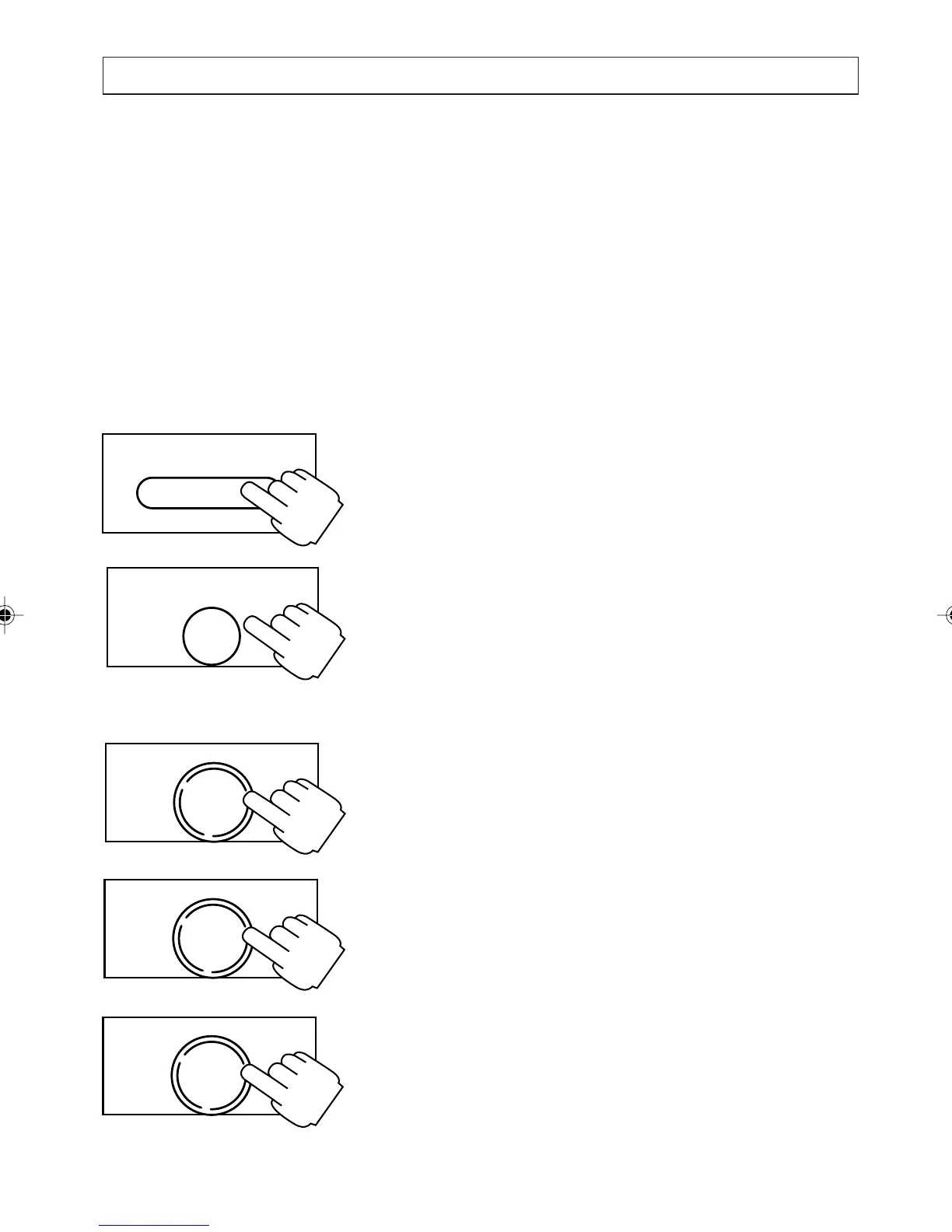
1. Press [SCREENING].
2. Press [ENTER].
The display shows the ADD NEW ITEM and
MODIFY options. If the directory is full
(entries) the option ADD NEW ITEM does
not appear. You must delete an entry before
adding another.
3. Press [OK] to select the ADD NEW ITEM
option.
4. Enter the number the press [OK].
5. Enter the name then press [OK].
SCREENING
ENTER
NOTEPAD
OK
DIAL
OK
DIAL
OK
DIAL
a200ug.p65 3/7/01, 11:11 AM44



 To Next Page