43
6. Press [CALLERS] to exit, or scroll to another
entry and repeat the process.
Deleting a Caller Entry:
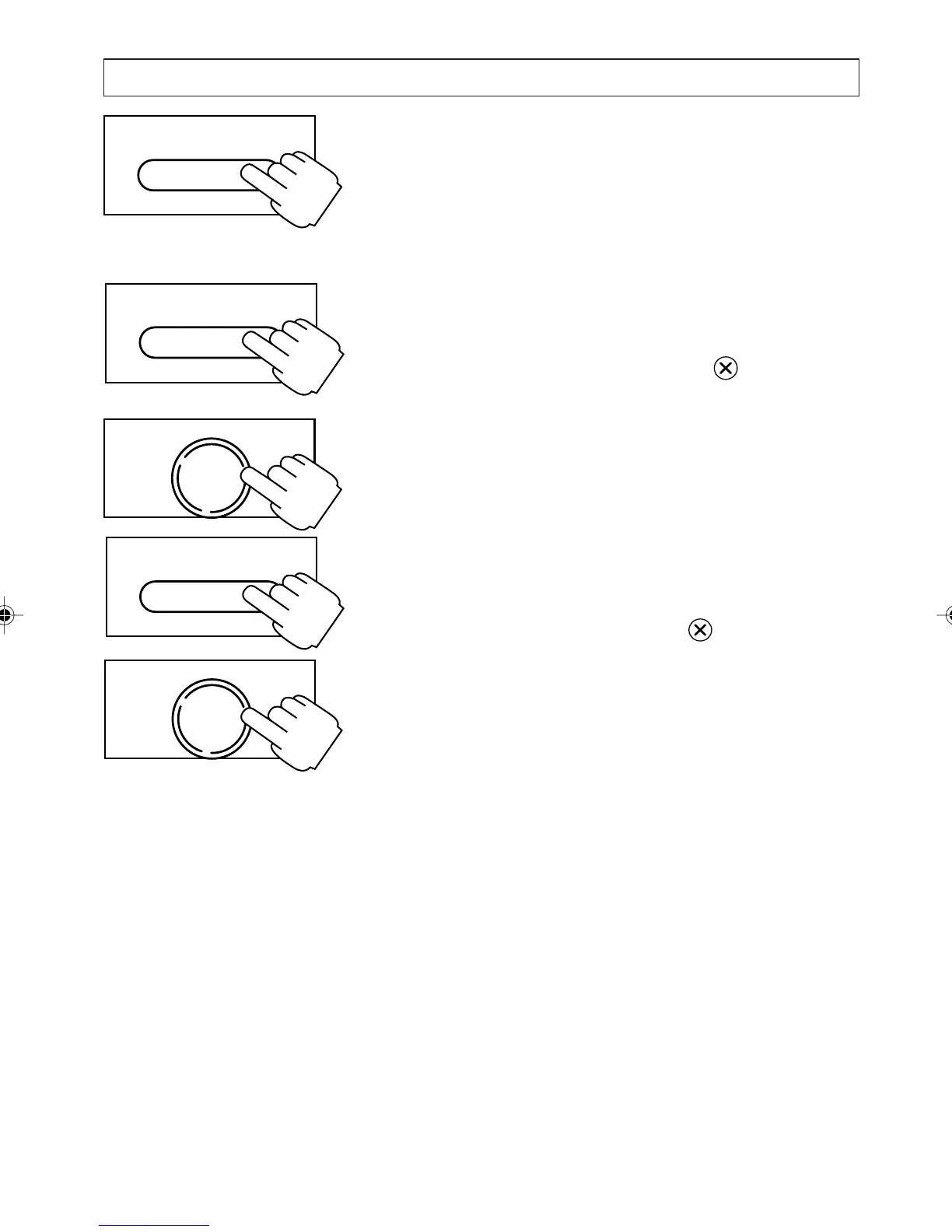
1. Press [CALLERS]
2. Press [
] or [] to go to the entry you want
3. Press and release the clear key .
4. Press [OK] to confirm the deletion or press
any digit key to cancel.
Deleting all Caller Entries:
1. Press [CALLERS]
2. Press and hold the clear key for 2 seconds
4. Press [OK] to confirm the deletion or press
any digit to cancel.
The Screening List:
The Screening List is where you store the name
and number (or number only) of any unwanted
caller. When you receive a call from someone
whose number is in your Screening List, the ring
volume is automatically silenced after the first ring
and the New Calls Indicator continues to flash
rapidly until the caller hangs up. The caller
however continues to hear the ringing tone.
OK
DIAL
USING CALLER DISPLAY
CALLERS
CALLERS
OK
DIAL
CALLERS
a200ug.p65 3/7/01, 11:11 AM43



 To Next Page