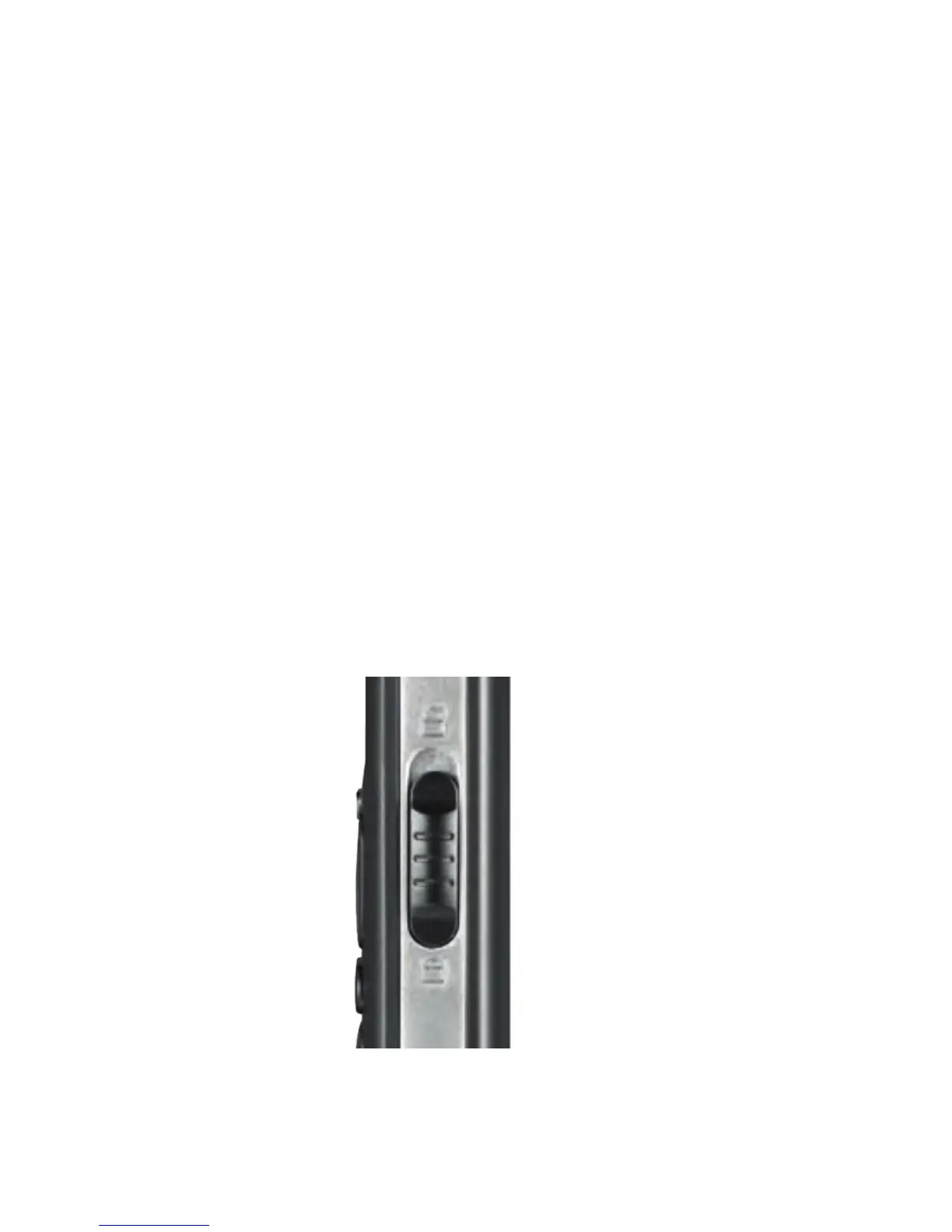
KEYLOCK ON THE KEYPAD
Refer to page 5 to locate the Keylock
switch. Slide the Keylock switch down to
lock the keypad or up to unlock.
If you get an incoming call you can press
the Green key to answer or the Red key to
reject the call even when the keys
are locked.
THE
BASICS
9 10
#5526 120x90 Telstra Easy call Black_BLUE.indd 11 9/04/13 11:50 AM



 To Next Page