CHARGING YOUR PHONE
Your phone will sound an alert tone when
the battery is low and display a low battery
message on screen.
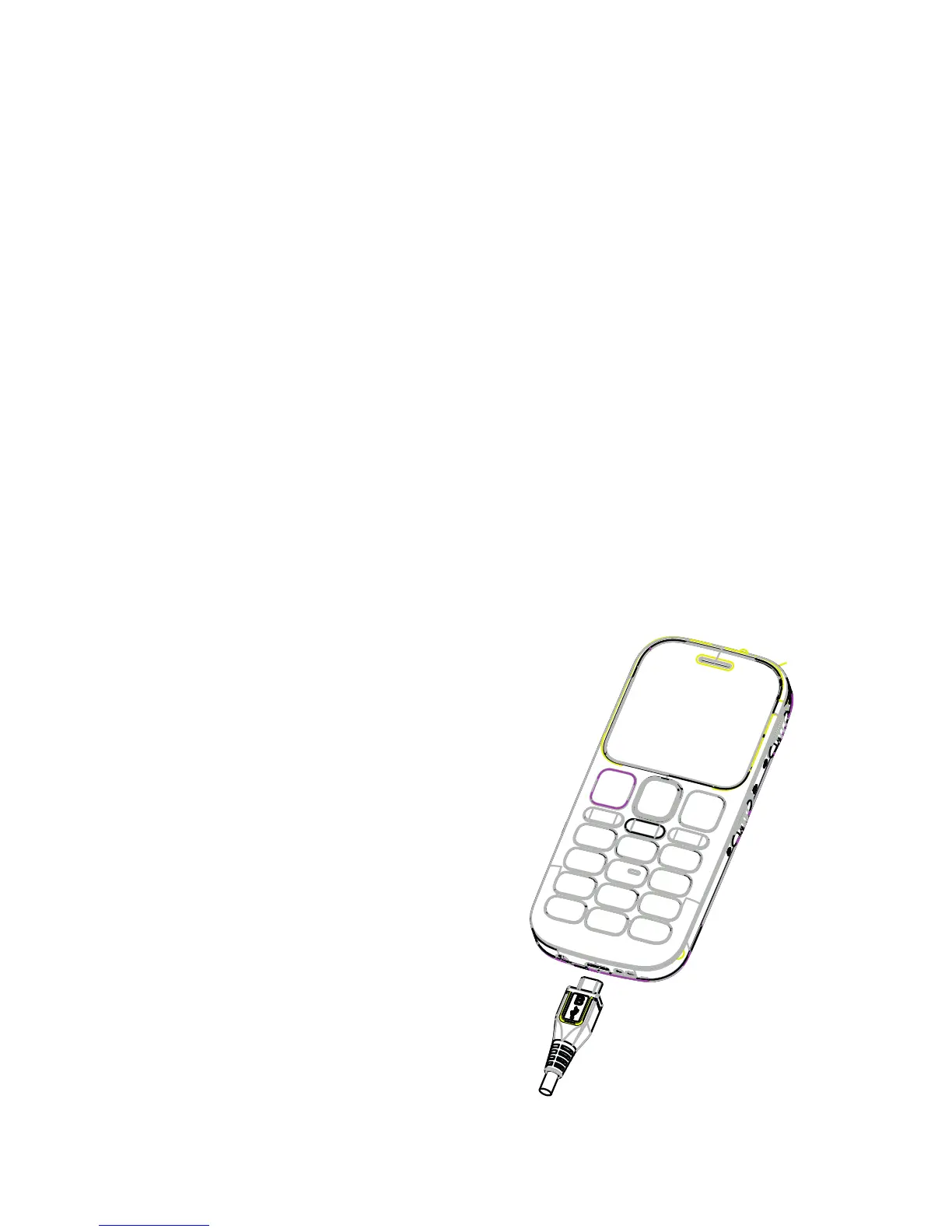
To charge your phone insert the AC charger
supplied carefully with the plug and socket
aligned correctly as shown below.
You can also use the
desktop charger supplied
in the box.
9 10
#5526 120x90 Telstra Easy call Black_BLUE.indd 12 9/04/13 11:50 AM



 To Next Page