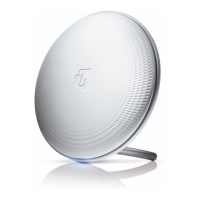
Need help?
Do you have a question about the Telstra Smart Wi-Fi Booster Gen 2 and is the answer not in the manual?
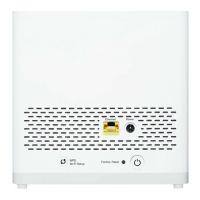
Plug in and switch on the Wi-Fi Booster, connect it to the Telstra Modem via Ethernet cable, and ensure the modem is ready.
Wait for the Booster to complete pairing (solid blue light), then reconnect your Wi-Fi devices to the new network.
Move the paired Wi-Fi Booster to rooms with Wi-Fi issues, aiming for a solid blue light.
Understand Wi-Fi Booster indicator lights for good signal, poor signal, no connection, or updating status.
Tips for common issues like poor signal, no connection, and restarting your modem/boosters.
Information on how to get further assistance via phone support.

 To Next Page
 General