10
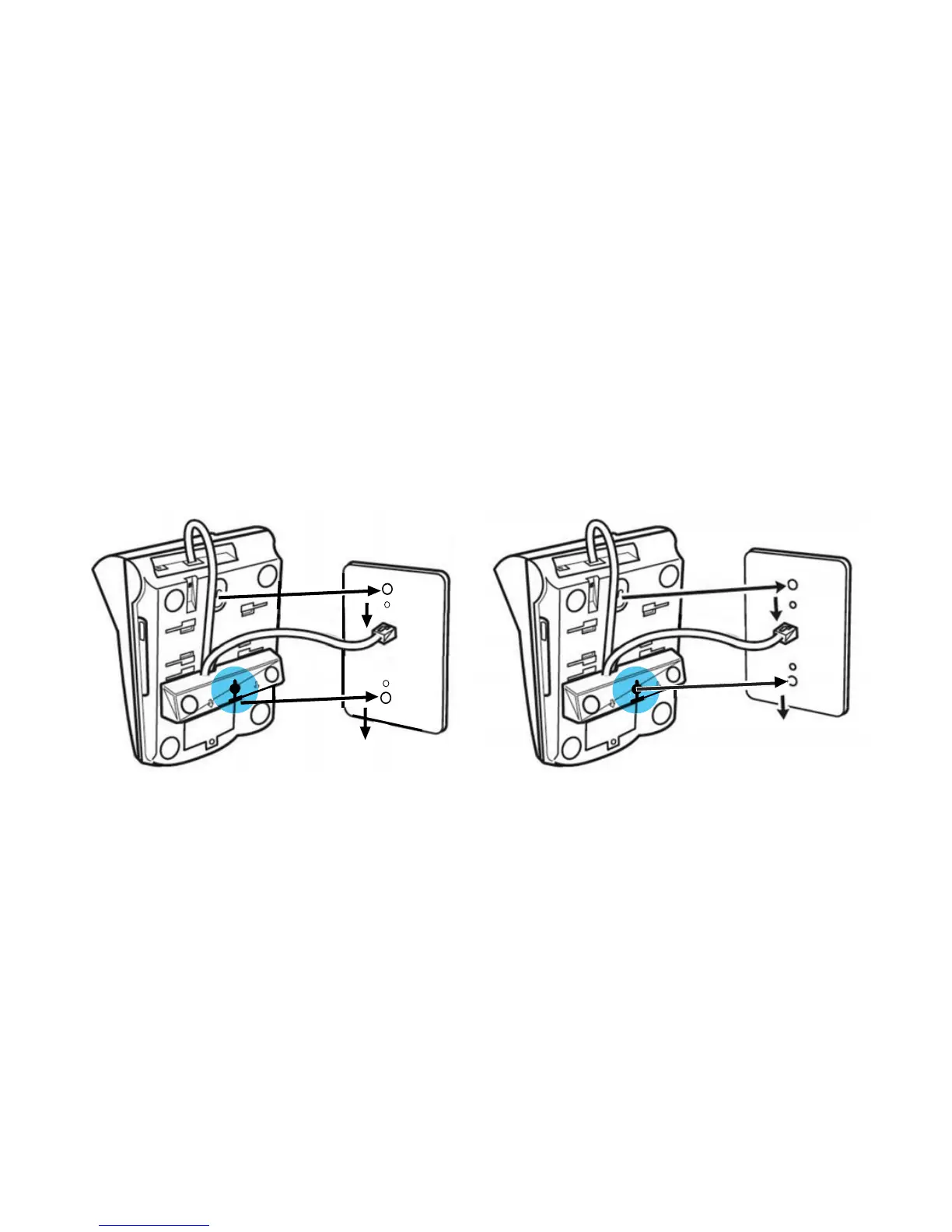
5. Place the telephone on the wall plate ensuring that the top post is inserted
into the top slot on the back of the telephone.
Ensuring the bottom post is aligned with either the bottom slot (Option 1)
or the hole of the wall mounting bracket (Option 2) depending on the post
spacing, push the telephone gently towards the wall plate and then firmly
down to lock the phone in place on the wall plate as follows:
Option 1 Option 2



 To Next Page